Download surveys in PDF format
Downloading a Survey as a PDF
PDF export is available on Premium and the plans above it, including their trial and academic variants. It is not available on Free Basic or Plus.
Access follows the survey's owner rather than whoever clicks the button, so a team member on a lower plan can still export a project lead's surveys. Providers are the exception: they cannot export surveys at any plan level.
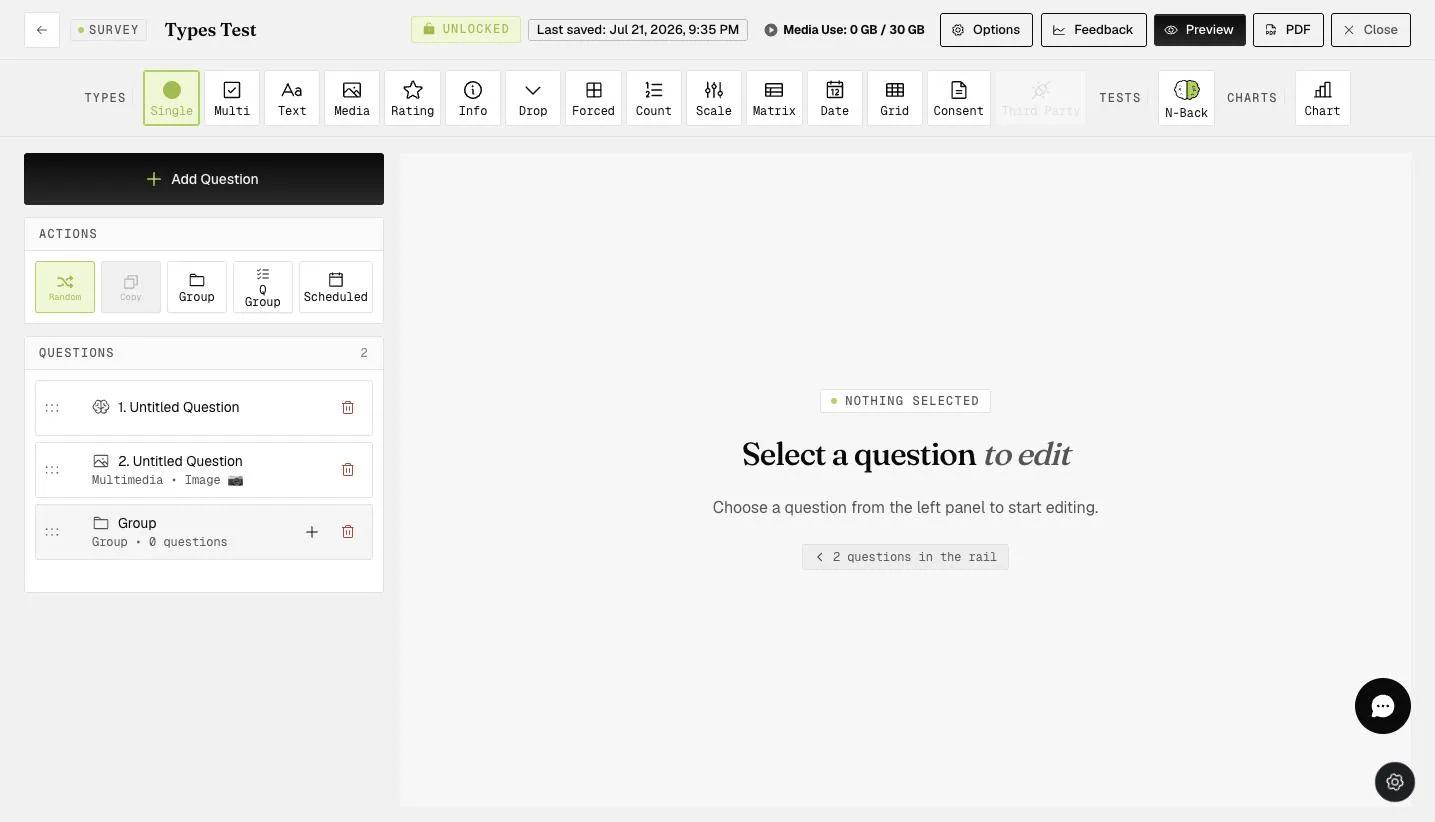
Open the survey in the builder and click PDF in the top bar. There is no dialog or export step: the button reads Generating… for a moment, then the file downloads.
The export documents the questionnaire rather than just listing it. It opens with a count of questions, groups and question types, followed by a legend of the types used. Each question then appears in order with its type, its response choices, and any configuration behind it — an N-Back question carries its level, stimuli, trial count and timings.
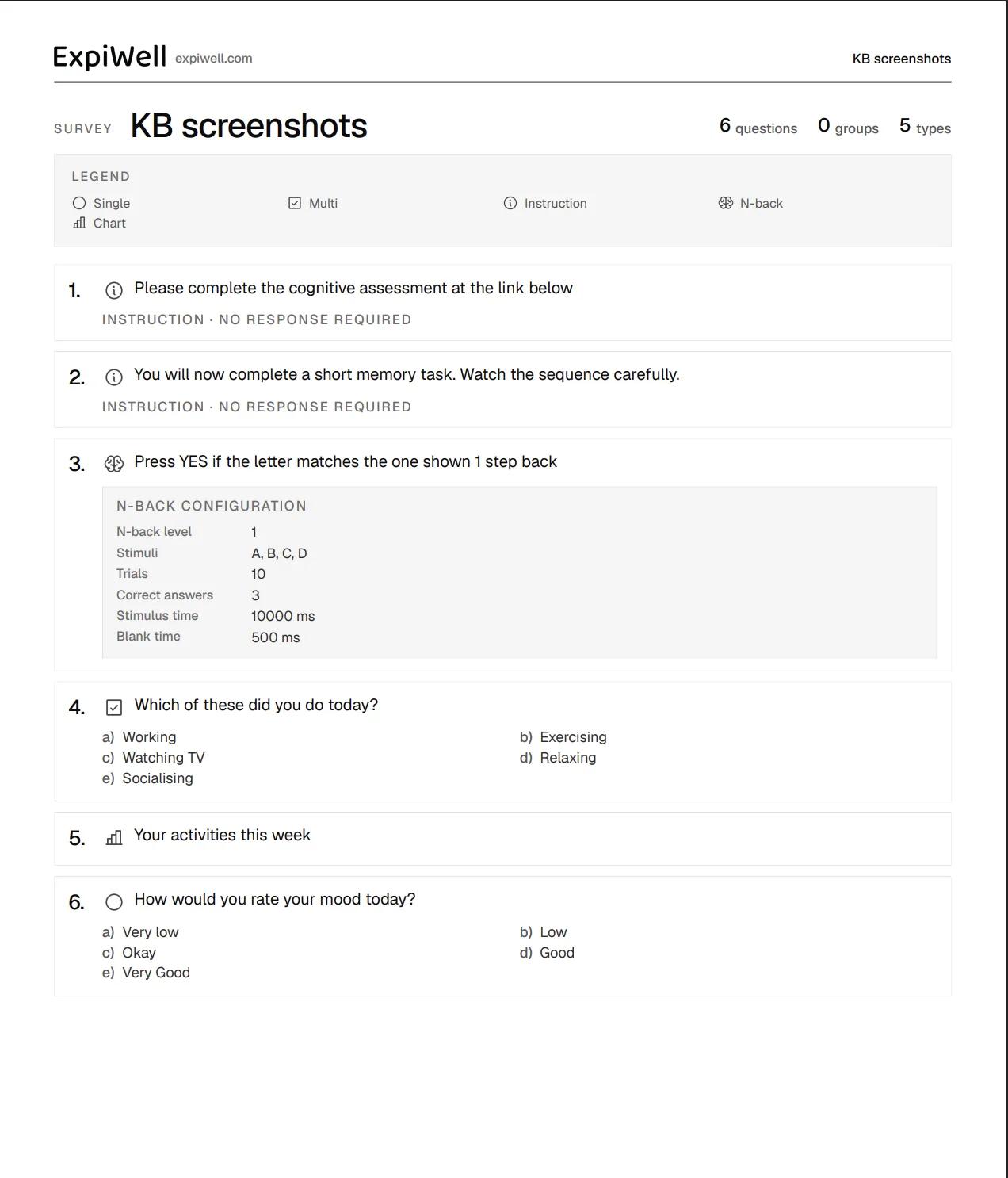
That makes it useful for archiving a questionnaire, reviewing it away from the app, or sharing it with collaborators, reviewers, and participants.
For further inquiries, please reach out to help@expiwell.com