Under construction

You've sampled us mid-build.

These guides cover the new ExpiWell platform (v2) and are still being written, checked, and rearranged — pardon the scaffolding: pages may move or change between visits. Still on the legacy app? Its documentation remains on the old support portal.

Open the legacy support portal
Knowledge base  /  From the ExpiWell team

How can we help?

Guides for every step of your study — from your first project to your final data export. The ExpiWell knowledge base for the researcher web platform and the participant mobile app.

101 guides across 29 categories · Updated by the ExpiWell team
Help CenterLaunchProject Review

Changing project email contact

Launch · Project Review
Updated October 6, 2026

How to Change Project Email Contact

Participants can email you from inside the app — a mail button sits on the project screen, and tapping it opens a message addressed to the project's contact.
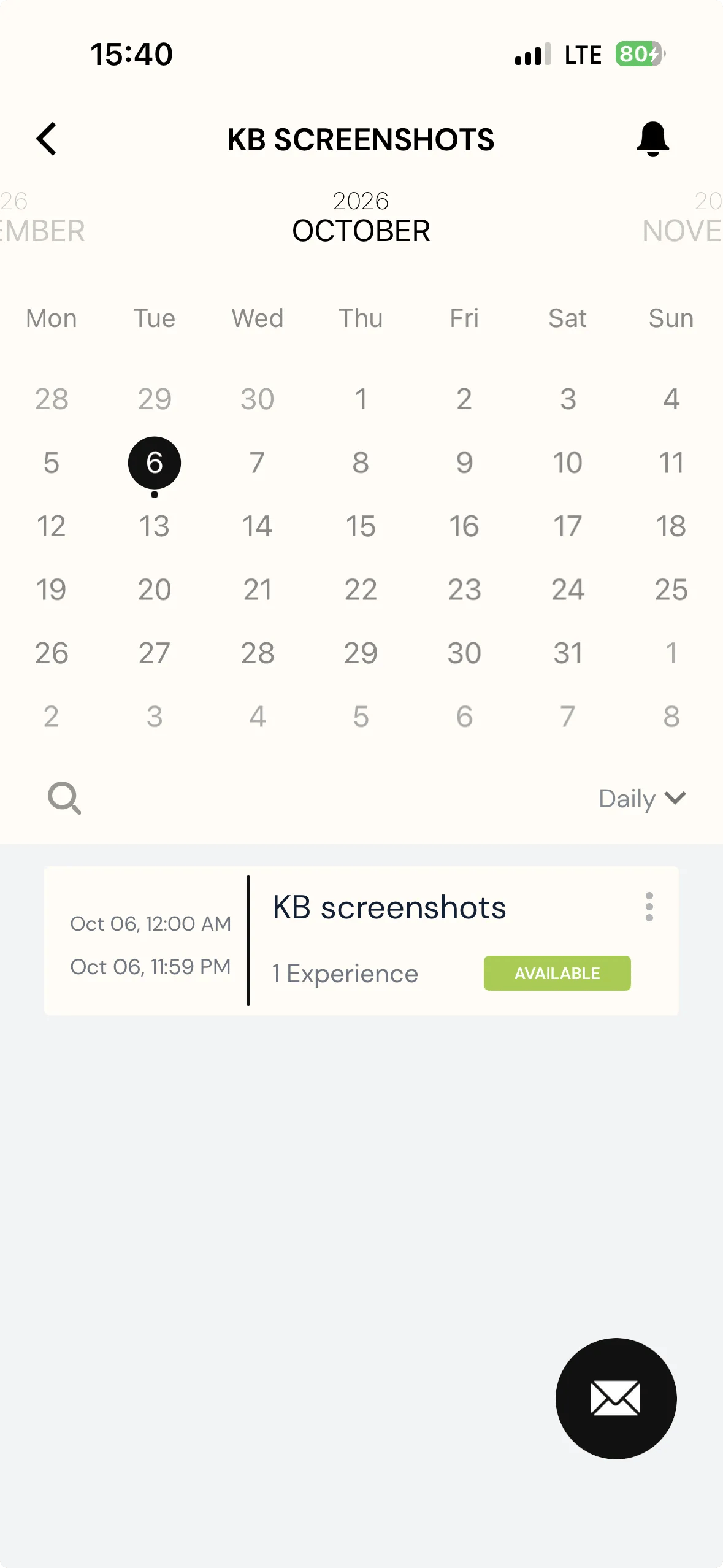
A project's calendar screen in the ExpiWell participant app, with a round black envelope button floating at the bottom right

By default that is the account that created the project. You can point it somewhere else on the Review page, which is worth doing when the person who built the study is not the person who should field participant questions — a coordinator or administrator, say.

Note
Changing it is available on any plan.
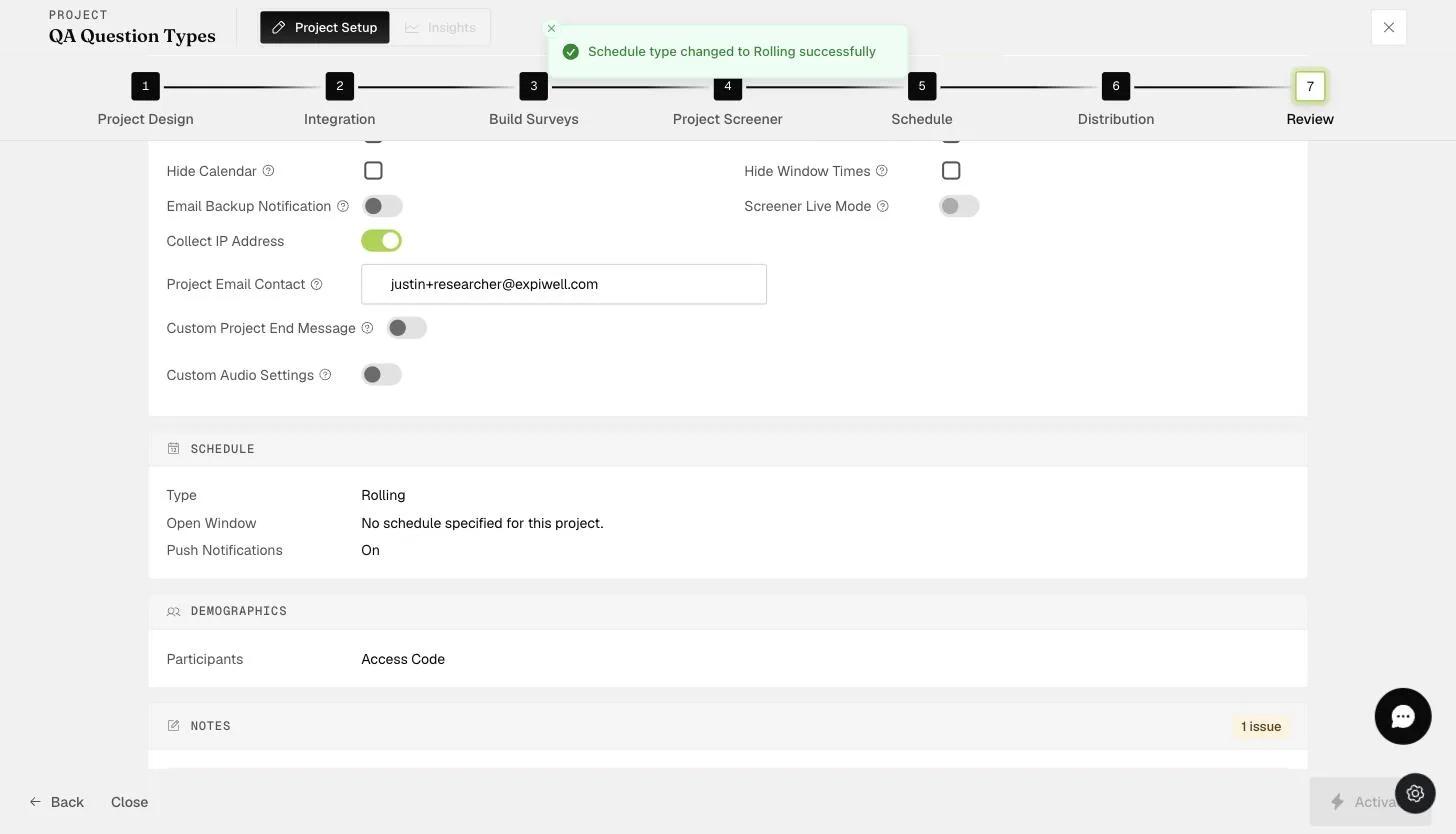
The Review step Project Email Contact field where the notification contact email is set
Was this helpful?
Start today

Talk to a human on the ExpiWell team.

Still stuck? Our team of researchers answers technical and study-design questions alike.