Continuous GPS location tracking [24 hours]
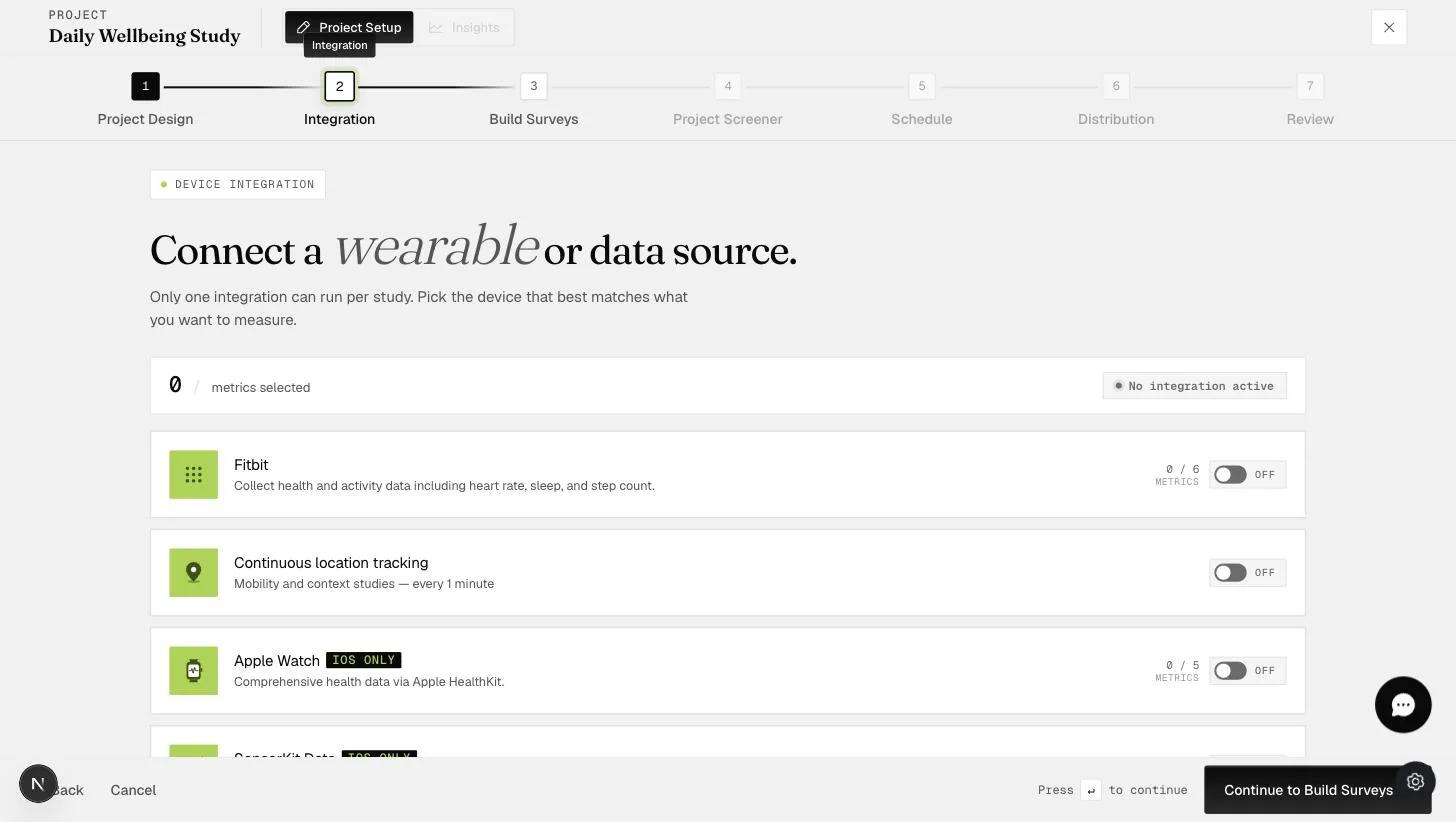
This feature allows you to monitor your participants' locations through the ExpiWell platform to track their real-time whereabouts. By understanding where participants are when they complete the survey, you can gain better insights into the environmental context of their responses, enhancing the accuracy and relevance of your data.
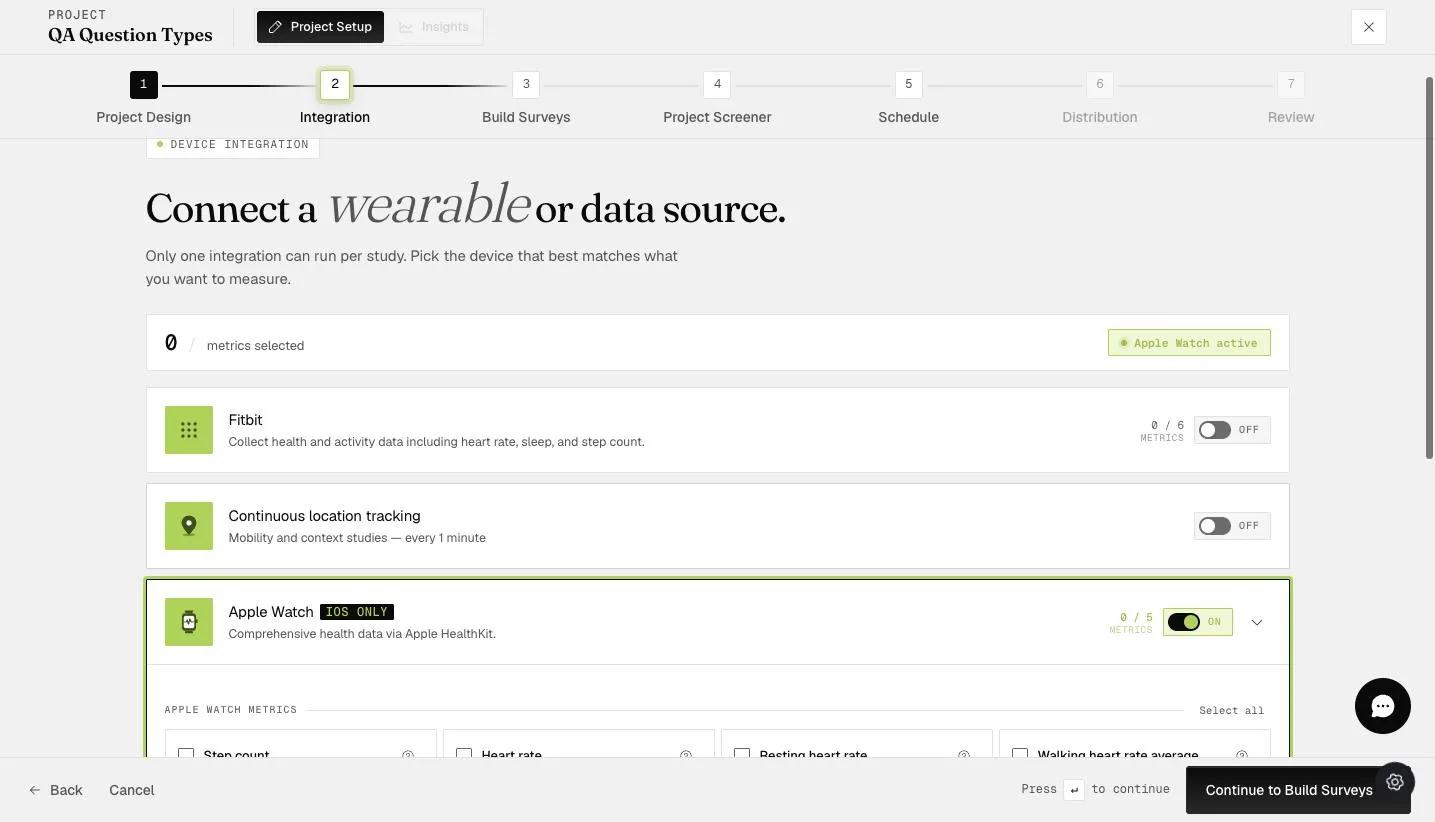
At the start of the project, participants will be informed that their GPS location will be recorded.
Standard tracking captures GPS coordinates every 5 minutes on both iOS and Android.
GEMA tracking (available on higher-tier plans) adapts the logging interval based on the participant's movement, capturing location more frequently during faster movement and less frequently when walking or stationary.
iOS: The ExpiWell app must remain active (open or running in the background). Swiping the app closed will pause tracking, but the process restarts and GPS resumes when the app is reopened. Force-quitting the app through device settings will stop tracking entirely.
Android: GPS location is captured regardless of whether the ExpiWell app is open or closed.
The platform requests Motion & Fitness (iOS) or Physical Activity (Android) permission to detect movement patterns. If a participant declines this permission and GEMA tracking is enabled, battery consumption will increase because the app cannot detect whether the participant is stationary or moving, so it continues logging at full frequency.
You can download the GPS data file from the Insights section.
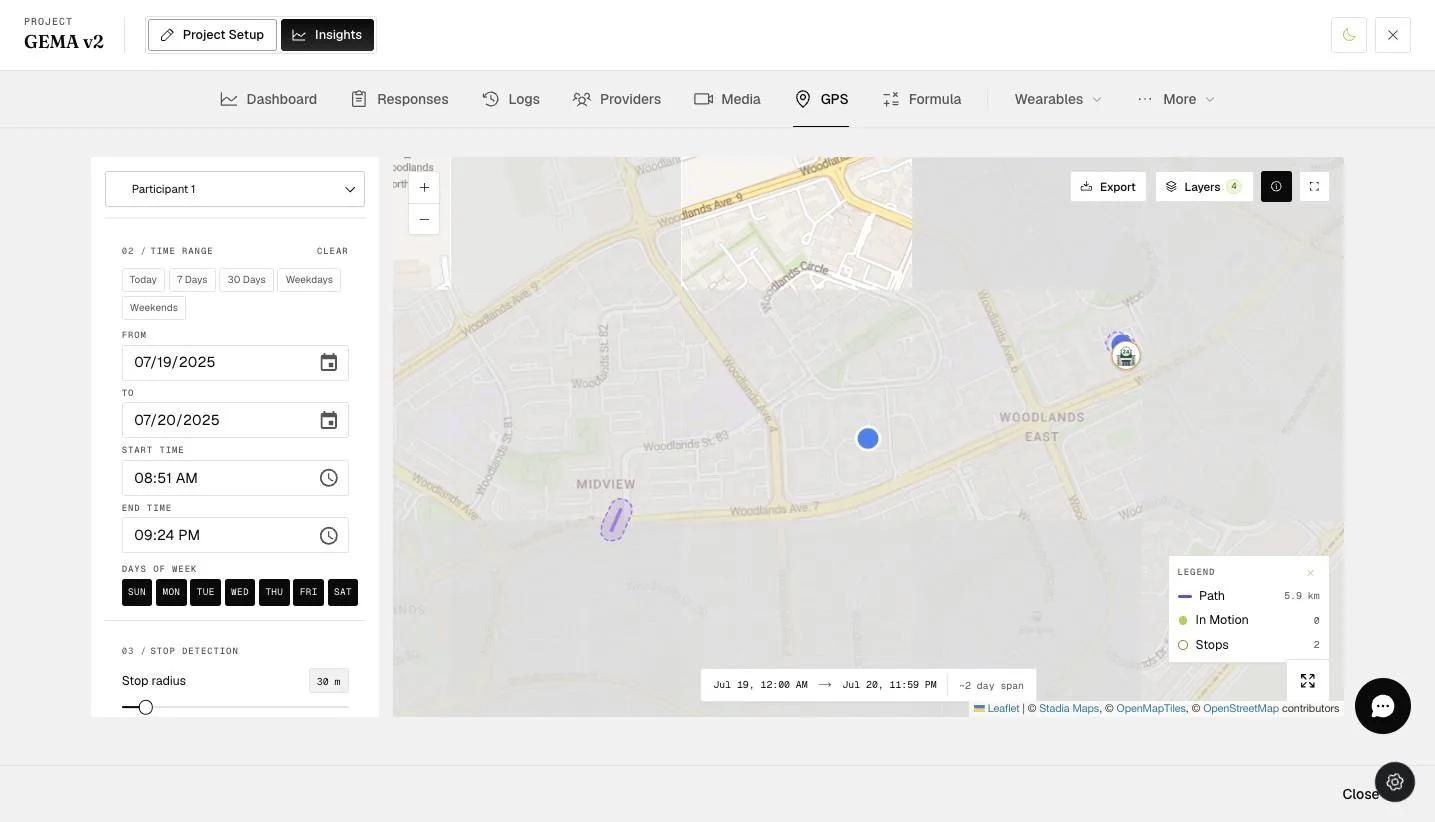
When you download the GPS data file, you will be able to see the precise coordinates of your participants. The data file includes latitude and longitude information, allowing you to pinpoint their exact locations and analyze movement patterns.
For further inquiries, please contact: help@expiwell.com