ExpiWell mobile apps for EMA & ESM
ExpiWell mobile apps for participants
ExpiWell uses native iOS and Android mobile apps to deliver surveys and notifications that researchers schedule. They are free for participants and researchers alike — download them on iOS or Android.
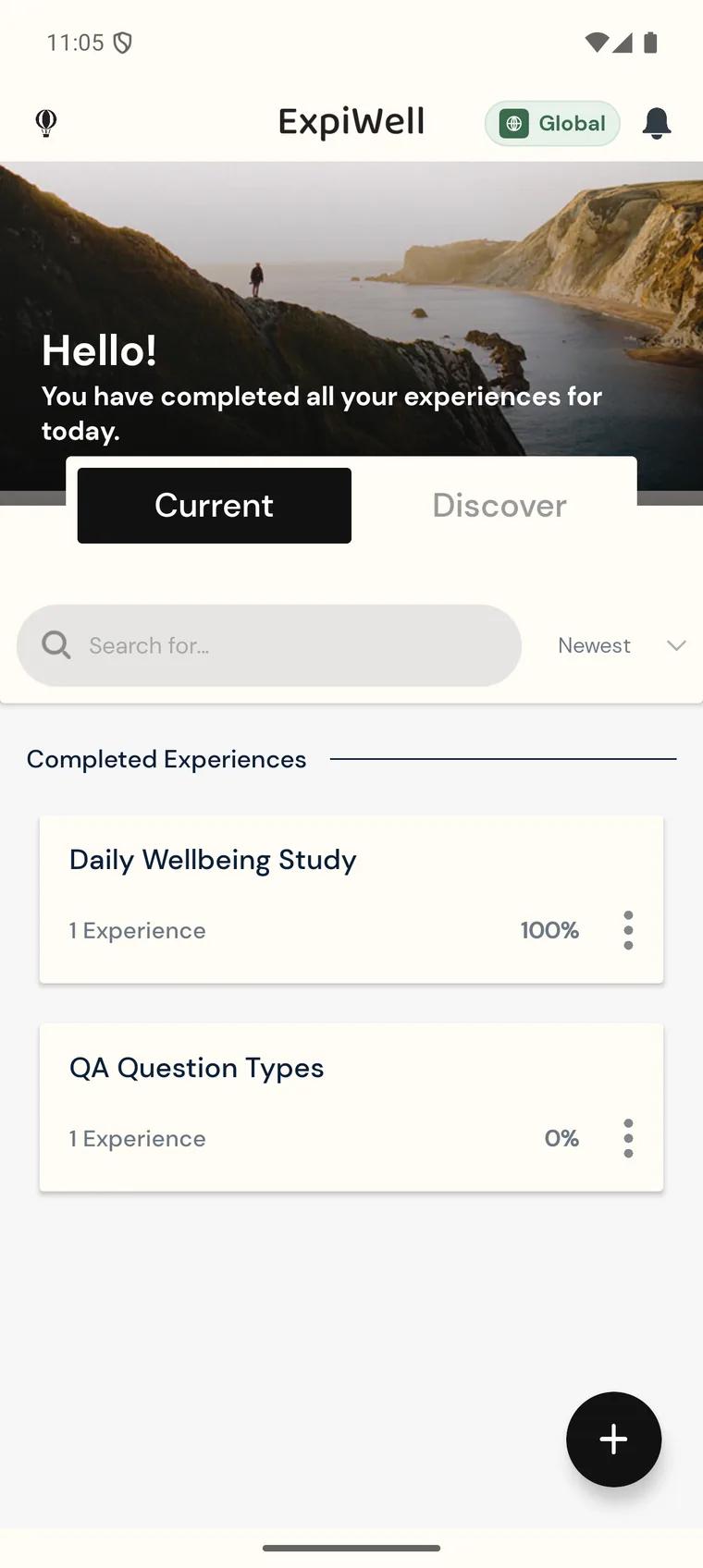
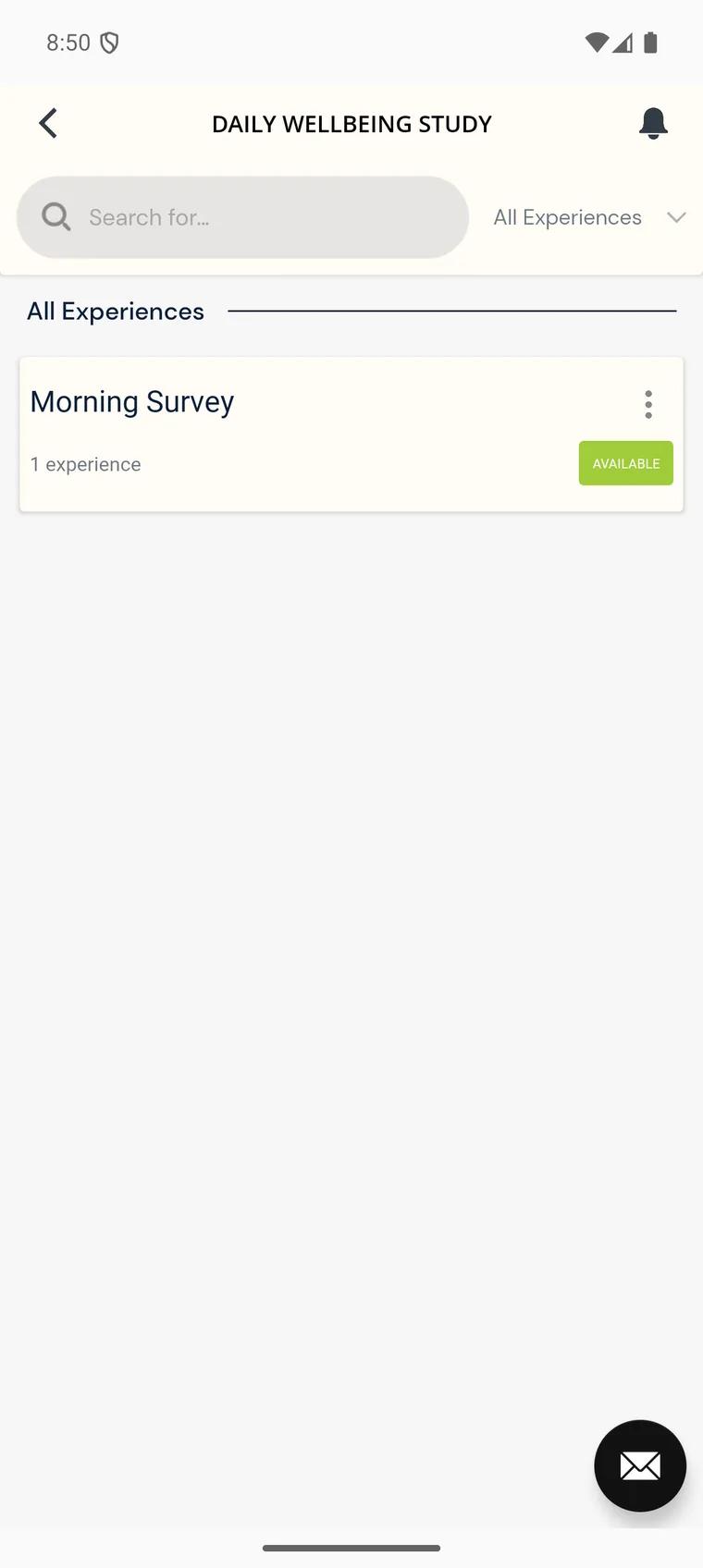
What participants see
A participant joins a study by entering the access code their researcher gives them. The study then appears in their list of experiences, alongside any others they are taking part in.
When a survey is scheduled, it shows as Available with the time remaining in its window, and a notification arrives on the phone. Opening it steps through the questions the researcher built — instructions, choices, sliders, free text, and prompts to capture a photo, video, or audio clip. Once the last question is answered the responses upload, and any media uploads with them.
The bell icon keeps a history of every notification, so a participant can check what they were sent and when. Settings covers the app's language, the device time zone, payment balance and history, and a copy of their own data.
Why native apps
We use native mobile apps because these enable more powerful functionality, including:
-
Creating different sign-up options for participants on the mobile apps. This sign-up information is NOT shared with researchers.
-
Capturing video, voice, photo, and location information from participants.
-
Sending unlimited notifications and reminders to participants to complete surveys via the app. Push notifications use a minimal amount of participant data.
-
Viewing the history of notifications.
-
Sending additional messages from researchers to participants, especially ones who may not be providing adequate responses on a project.
-
Providing sleek and beautiful surveys.
-
Enabling payments to participants, funded and managed through the ExpiWell Finance account.
This is only the beginning — we are working on features that enable passive data collection, provided that participants agree to share this data.
Device requirements
To ensure compatibility with the ExpiWell mobile app, please note the following requirements for participants' mobile devices:
-
iOS: Version 15.0 or higher
-
Android: Version 8.0 or higher