Under construction

You've sampled us mid-build.

These guides cover the new ExpiWell platform (v2) and are still being written, checked, and rearranged — pardon the scaffolding: pages may move or change between visits. Still on the legacy app? Its documentation remains on the old support portal.

Open the legacy support portal
Knowledge base  /  From the ExpiWell team

How can we help?

Guides for every step of your study — from your first project to your final data export. The ExpiWell knowledge base for the researcher web platform and the participant mobile app.

97 guides across 28 categories · Updated by the ExpiWell team
Help CenterBuildSurvey Scheduling

Static schedule

Build · Survey Scheduling
Updated December 29, 2023

How Does Static Schedule Work for EMA and ESM?

The static schedule allows participants to take your ecological momentary assessment (EMA) and experience sampling method (ESM) surveys until an end date that you specify. You can have multiple surveys in your project that participants can take during this time. However, there are no notifications that will be sent to participants. Think of these as regular surveys administered on mobile with a specified end date.
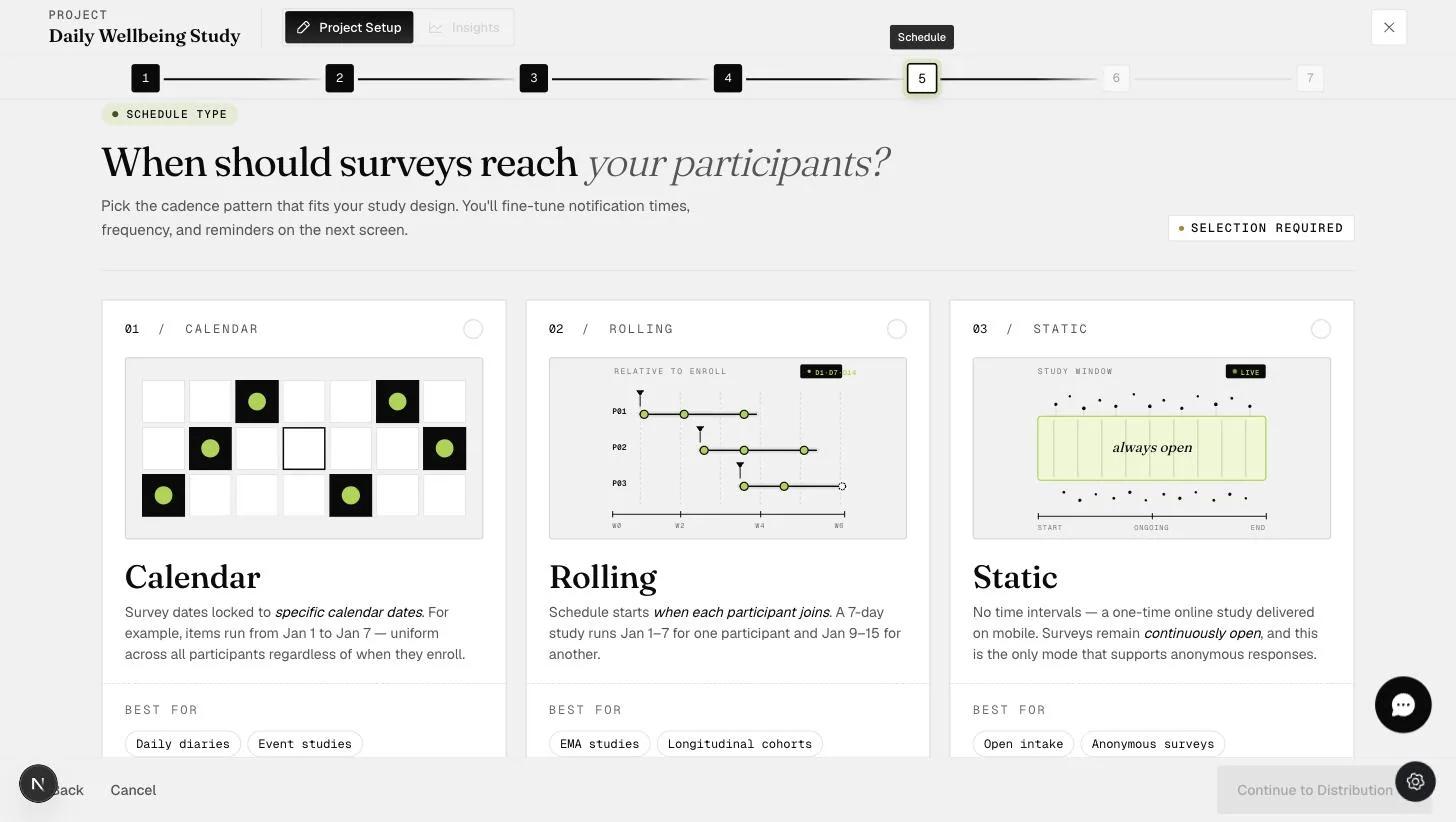
The Schedule step showing the Static option: a one-time study with continuously open surveys, the only mode supporting anonymous responses

(Default) One-Time Submissions

  • The "Static Schedule" allows any participant who enters the access code to work on all the surveys within the project.

  • The default is a one-time submission for each survey in the project. On completing all the surveys, the project is closed for the participant.

  • The project can be taken "anonymously." That is, participants do not need to sign in to the ExpiWell mobile app to start the project.
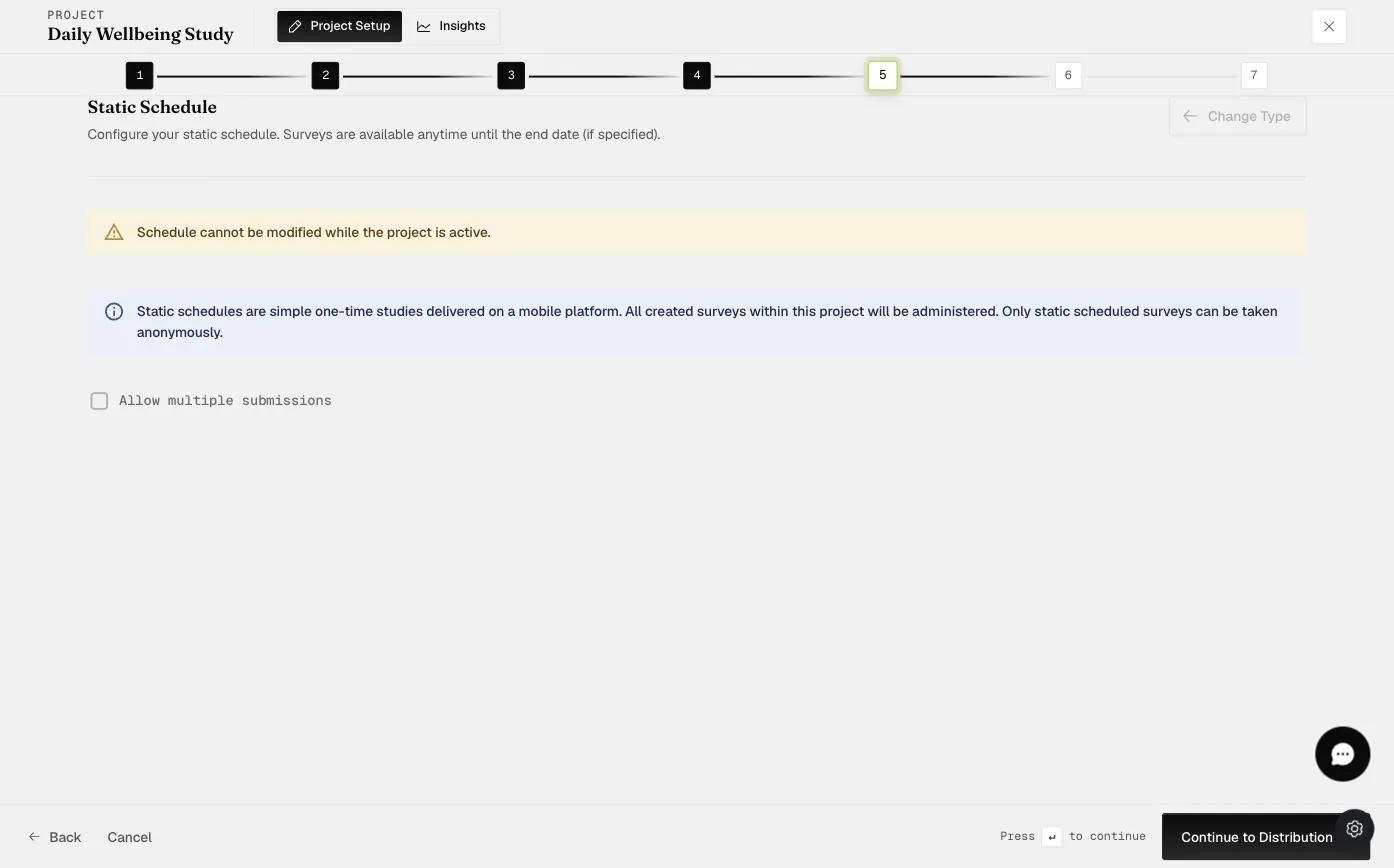
The Static Schedule step explaining that static schedules are one-time studies where all surveys are available anytime and can be taken anonymously, with the Allow multiple submissions option unchecked

Multiple Submissions

Researchers can allow for multiple submissions for all the surveys within the project by checking the "Allow multiple submissions" option. The project is closed when the end date is reached.

Screenshot — Static Scheduling - Multiple Submissions

This is used when researchers only need to have event-contingent ESM or EMA surveys (allowing participants to fill in a survey whenever they encounter an event during the day).

Video demo — Static Schedule for EMA and ESM (coming soon)
Was this helpful?
Start today

Talk to a human on the ExpiWell team.

Still stuck? Our team of researchers answers technical and study-design questions alike.