Insights
Explore the Project Insights Area
Once a project is launched, Insights is where you watch it run. Open a project and switch from Project Setup to Insights; everything the study has collected so far is behind one of the tabs there, updating as participants respond.
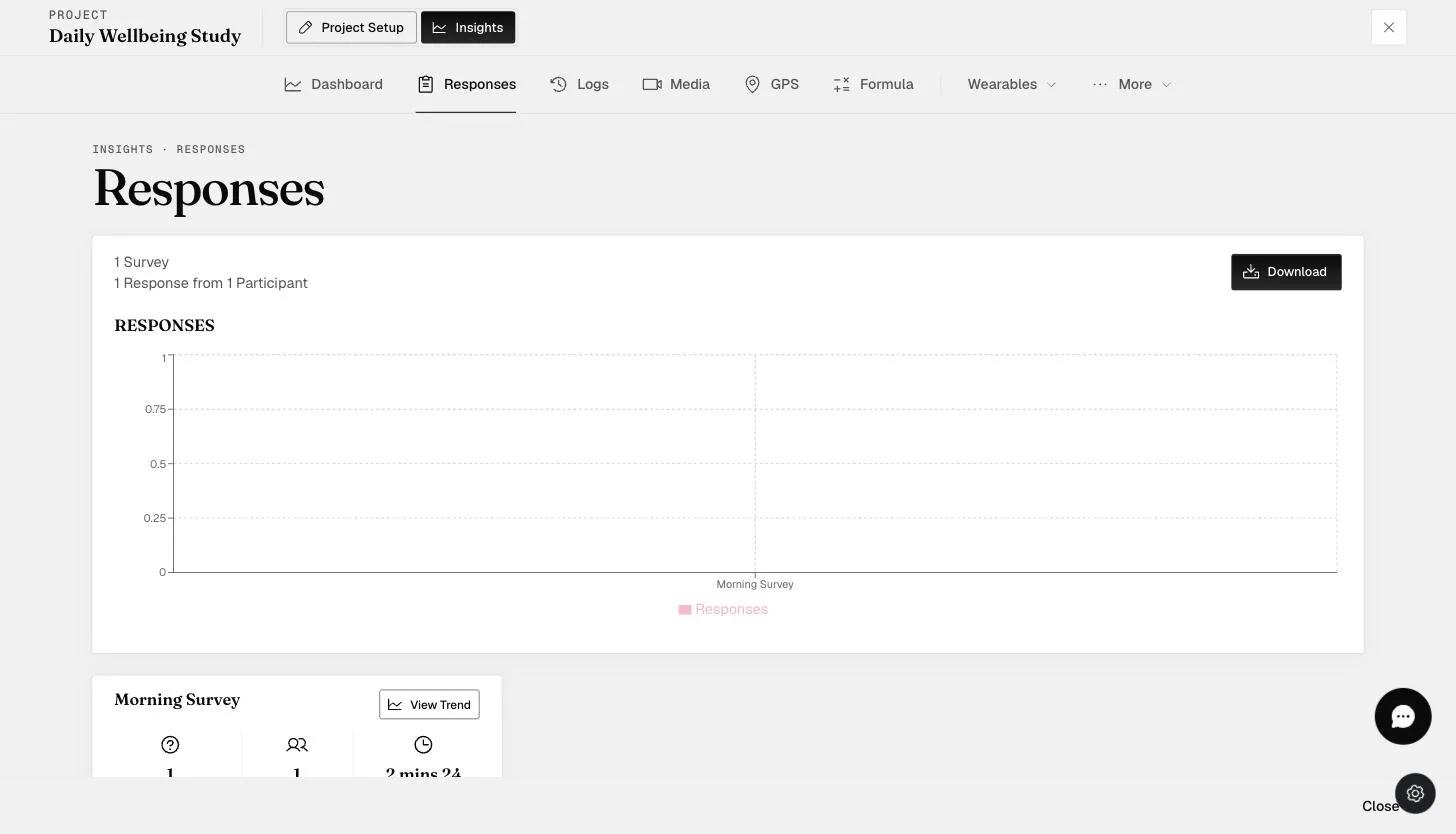
What each tab is for
Dashboard — charts built from your response data, which you compose yourself. See Dashboard charts.
Responses — the raw answers, survey by survey.
Logs — the participation record: who was scheduled what, what they submitted, submission and response rates, and whether notifications reached them. This is the tab to open when someone is not responding. See Logs.
Providers — not a data tab. It is where you invite people outside your team to view selected participants' dashboards from their own account, without being able to change anything. Seat-limited by your plan.
Media — photos, audio and video participants uploaded. See Media download, and Audio & video transcriptions for turning recordings into text.
GPS — location points, for projects collecting them.
Formula — scores computed from responses by your formula rules.
E-Consent — a signed-consent record per participant: who signed, which survey, when, and a download for each one or for all of them at once.
Wearables (a dropdown) — one tab per device source: Fitbit, Fitbit Intraday, Apple Watch, SensorKit and BACtrack. See Fitbit integration and Apple Watch integration.
More (a dropdown) — N-Back, the cognitive assessment results.
You will not see every tab. The set depends on your plan and on what the project collects — Dashboard, Media, GPS, each wearable and N-Back are all gated. A tab you expect and cannot find usually means the feature is not on your subscription, or the project was never set up to collect that data.
Providers and E-Consent are the two most often absent. If you need either and cannot see it, contact sales@expiwell.com.
Why it matters while a study runs
The value of watching a project live is that problems are still fixable. A participant whose notifications are failing can be helped on day two instead of discovered at export; a survey nobody is completing can be shortened while there is still time to collect from it.
Logs is usually the first stop, because it is the tab that distinguishes "not responding" from "never received it".