建设中

你的这次采样正好赶上我们施工。

这些指南面向新版 ExpiWell 平台(v2),仍在撰写、校对和调整中——请谅解眼前的脚手架:页面可能在两次访问之间移动或更改。仍在使用旧版应用?其文档仍保留在旧的支持门户上。

打开旧版支持门户
知识库  /  来自 ExpiWell 团队

我们能你什么?

覆盖研究每一步的指南——从第一个项目到最终的数据导出。ExpiWell 知识库,服务于研究者网页平台与参与者移动应用。

28 个类别下共 97 篇指南 · 由 ExpiWell 团队维护更新
Help CenterLaunchProject Review

Changing project email contact

Launch · Project Review
Updated 2023年12月29日

How to Change Project Email Contact

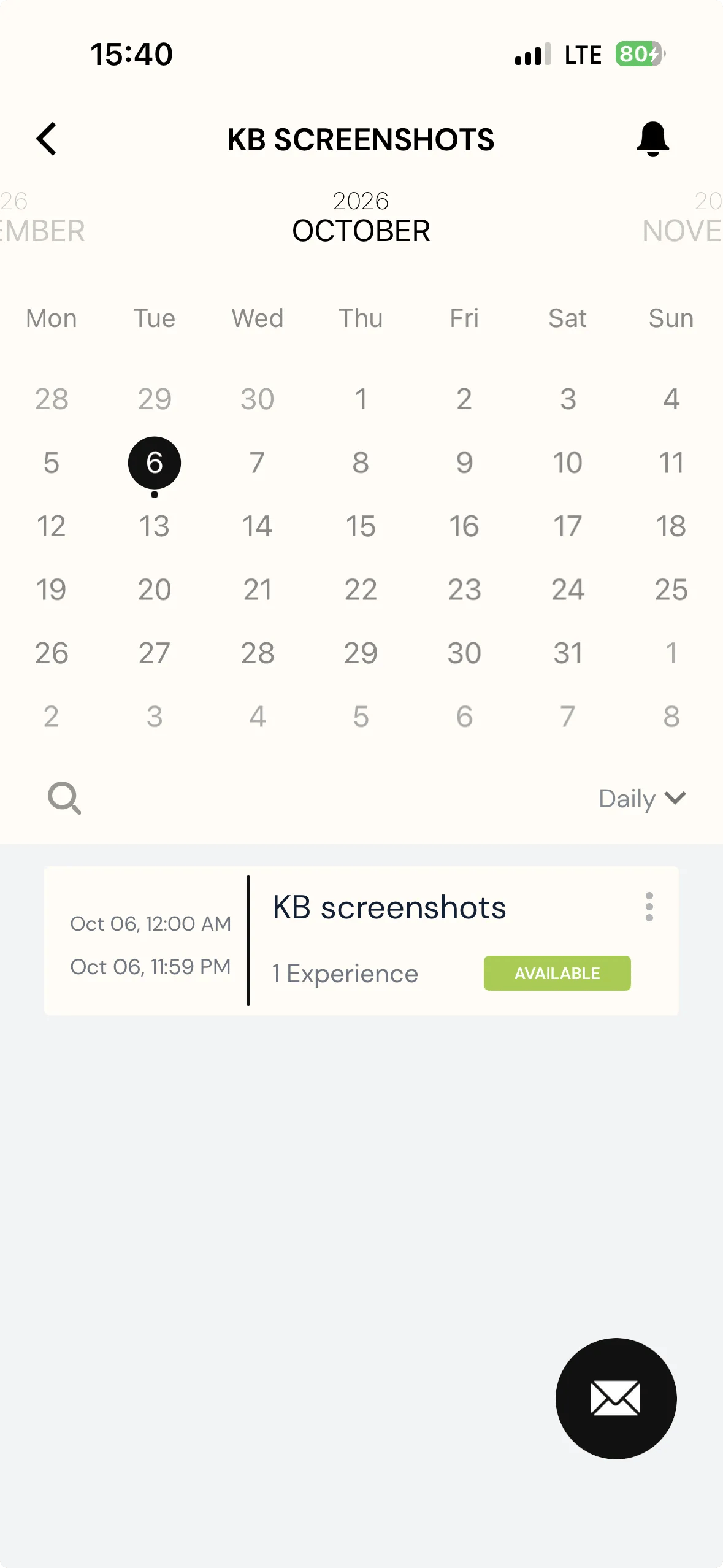
To enhance communication between participants and researchers, participants will be able to contact researchers directly when they view the project on their ExpiWell app.

Screenshot — a red arrow pointing to mail option

When clicking the email contact button, an email will be created that is based on the researcher's email account by default.

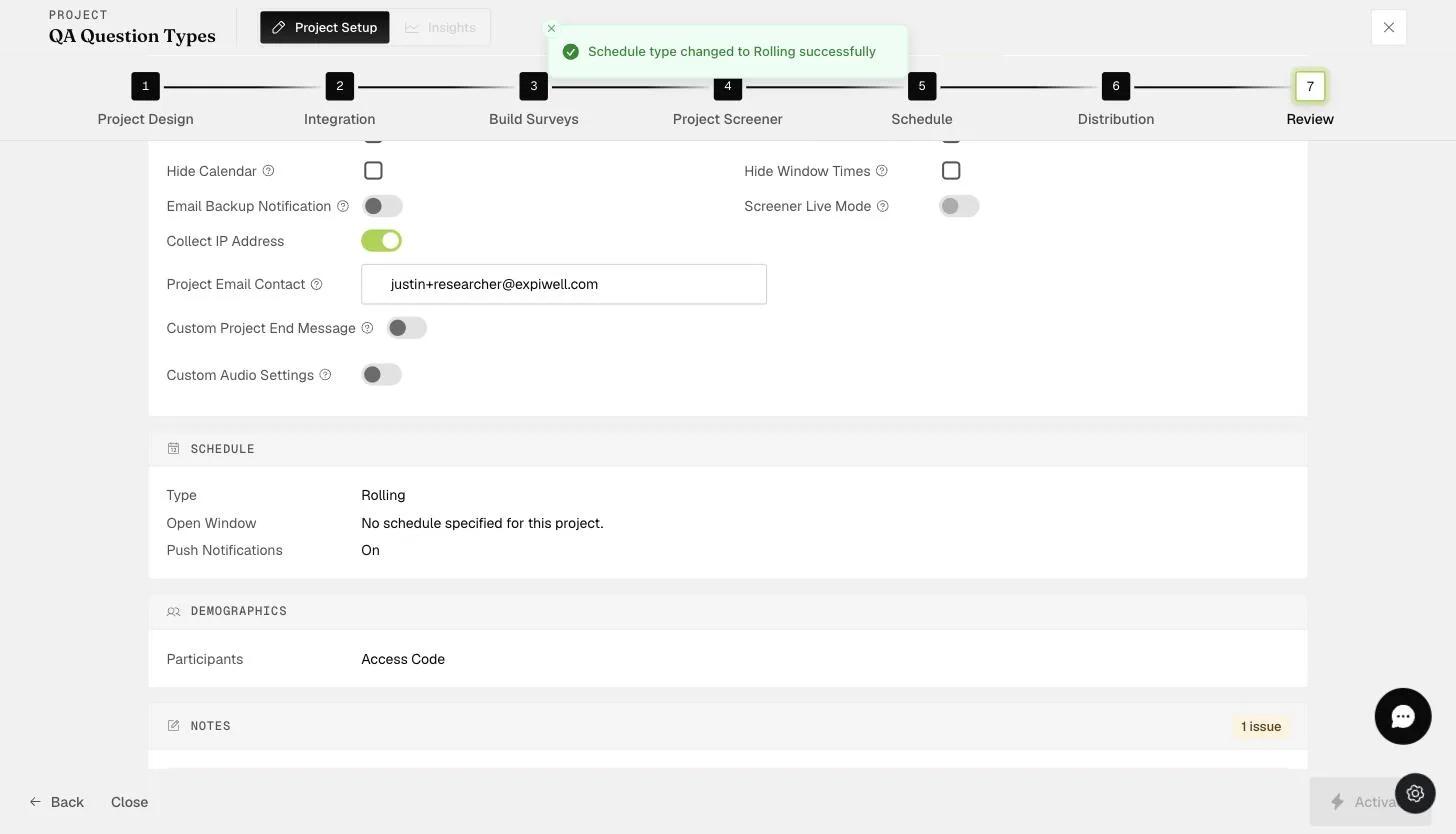
You can change the default email contact on the "Review" page of the project on any plan. This allows the research administrator or coordinator within the project team to receive any queries from participants directly.

The Review step Project Email Contact field where the notification contact email is set
Video demo — Changing Project Email Contact (coming soon)
Was this helpful?
Start today

与 ExpiWell 团队的真人交流。

还没解决?我们的研究者团队既解答技术问题,也解答研究设计问题。