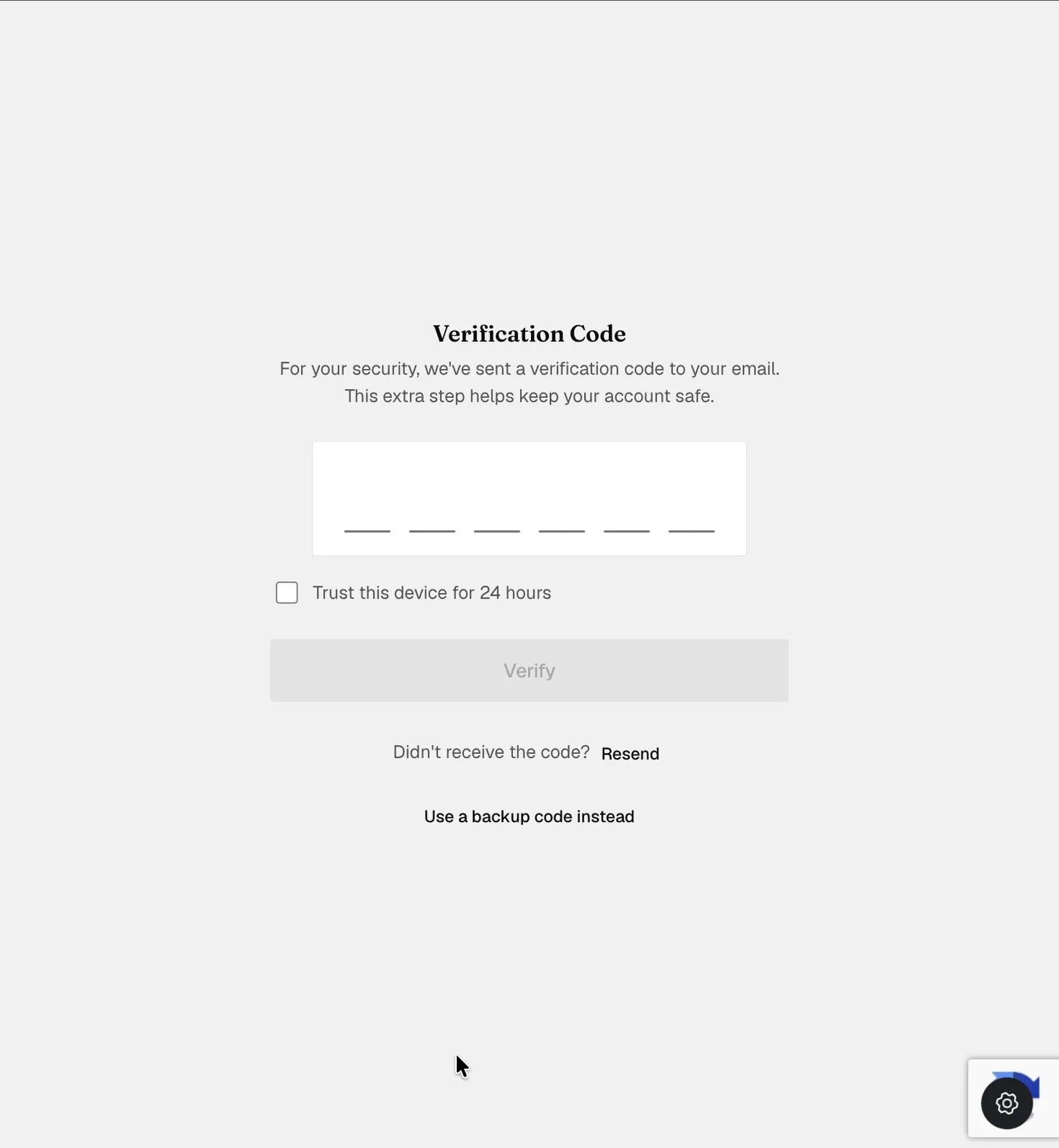
Enabling 2FA for your account
Two-Factor Authentication (2FA) for Your ExpiWell Account
To ensure that accounts have an additional layer of security, ExpiWell requires two-factor authentication (2FA) on all accounts. This helps add additional protection to the ecological momentary assessment (EMA) and experience sampling method (ESM) data you collect.
After you log in, you can go to Settings > Security
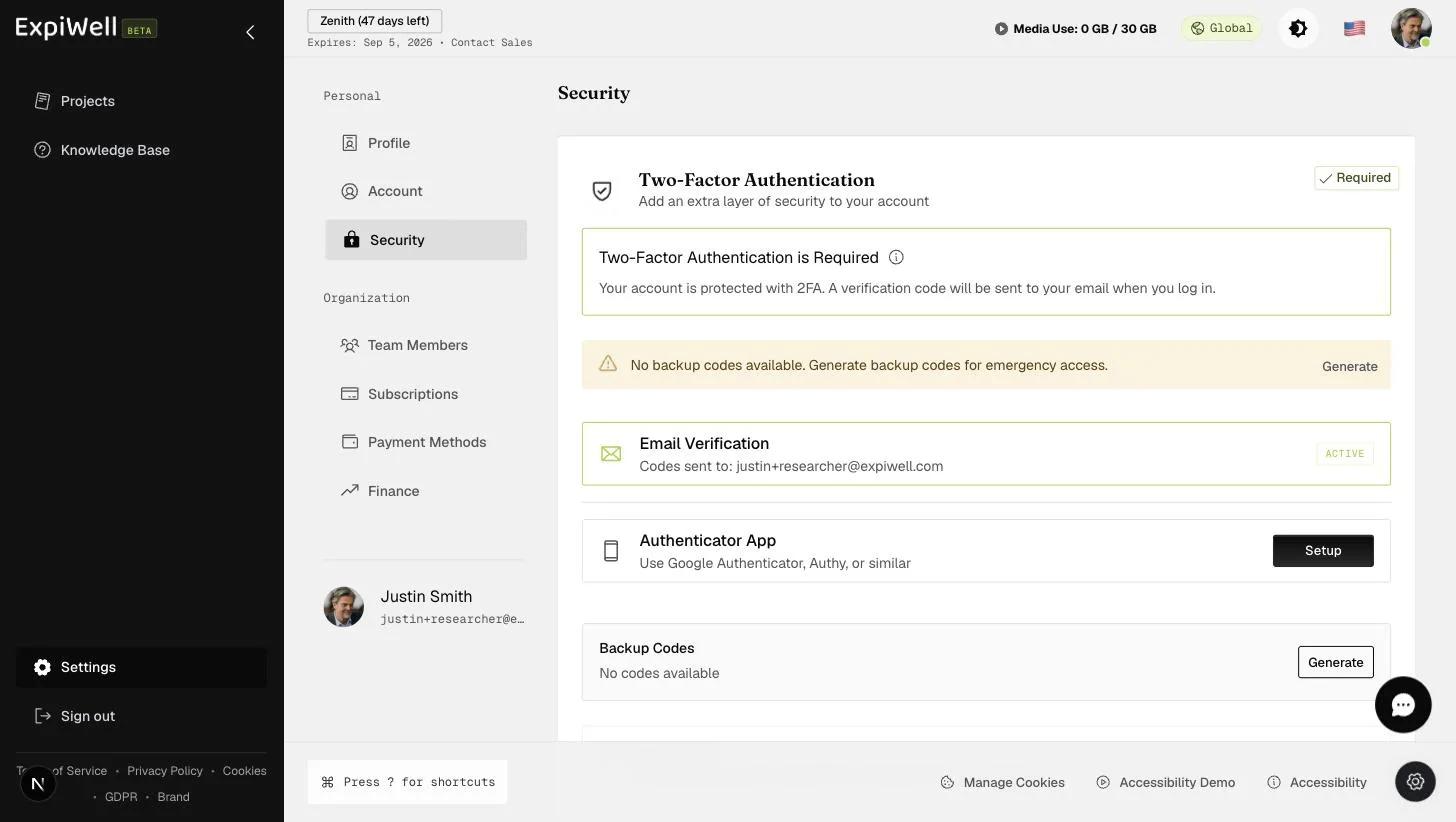
When you log in, you will be prompted to enter a six-digit verification code that is sent to your account email. From the Security page, you can also generate backup codes for emergency access and set up an authenticator app that generates time-based codes. At sign-in you can choose Use a backup code instead if the emailed code does not reach you, and tick Trust this device to skip the check on that browser until the trust expires.