En construction

Vous nous avez échantillonnés en plein chantier.

Ces guides portent sur la nouvelle plateforme ExpiWell (v2) et sont encore en cours d’écriture, de relecture et de réorganisation — pardonnez les échafaudages : les pages peuvent bouger ou changer d’une visite à l’autre. Toujours sur l’ancienne app ? Sa documentation reste sur l’ancien portail d’assistance.

Ouvrir l’ancien portail d’assistance
Base de connaissances  /  Par l’équipe ExpiWell

Comment pouvons-nous vous aider ?

Des guides pour chaque étape de votre étude — du premier projet à l’export final des données. La base de connaissances ExpiWell pour la plateforme web chercheur et l’app mobile participant.

97 guides dans 28 catégories · Mis à jour par l’équipe ExpiWell
Help CenterLaunchProject Review

Changing project email contact

Launch · Project Review
Updated 29 décembre 2023

How to Change Project Email Contact

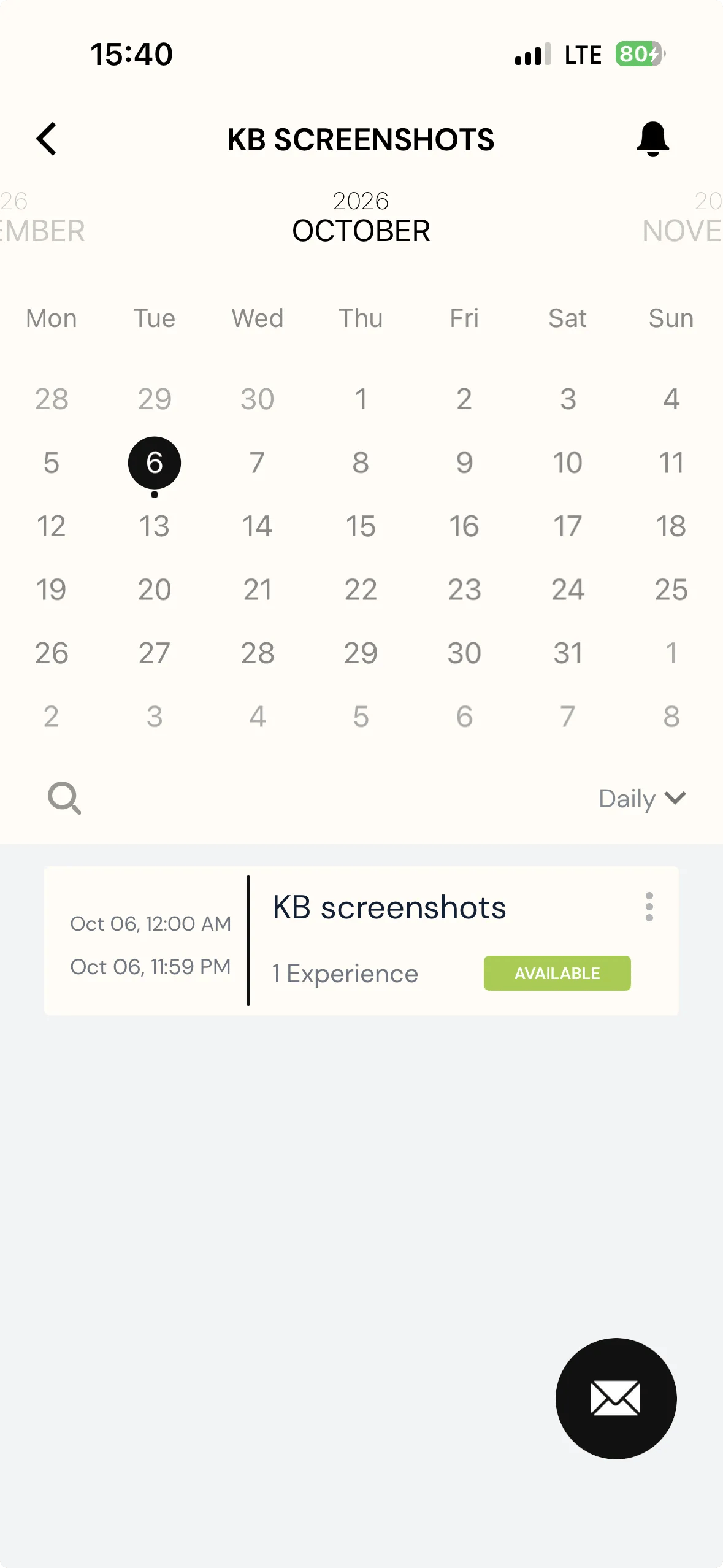
To enhance communication between participants and researchers, participants will be able to contact researchers directly when they view the project on their ExpiWell app.

Screenshot — a red arrow pointing to mail option

When clicking the email contact button, an email will be created that is based on the researcher's email account by default.

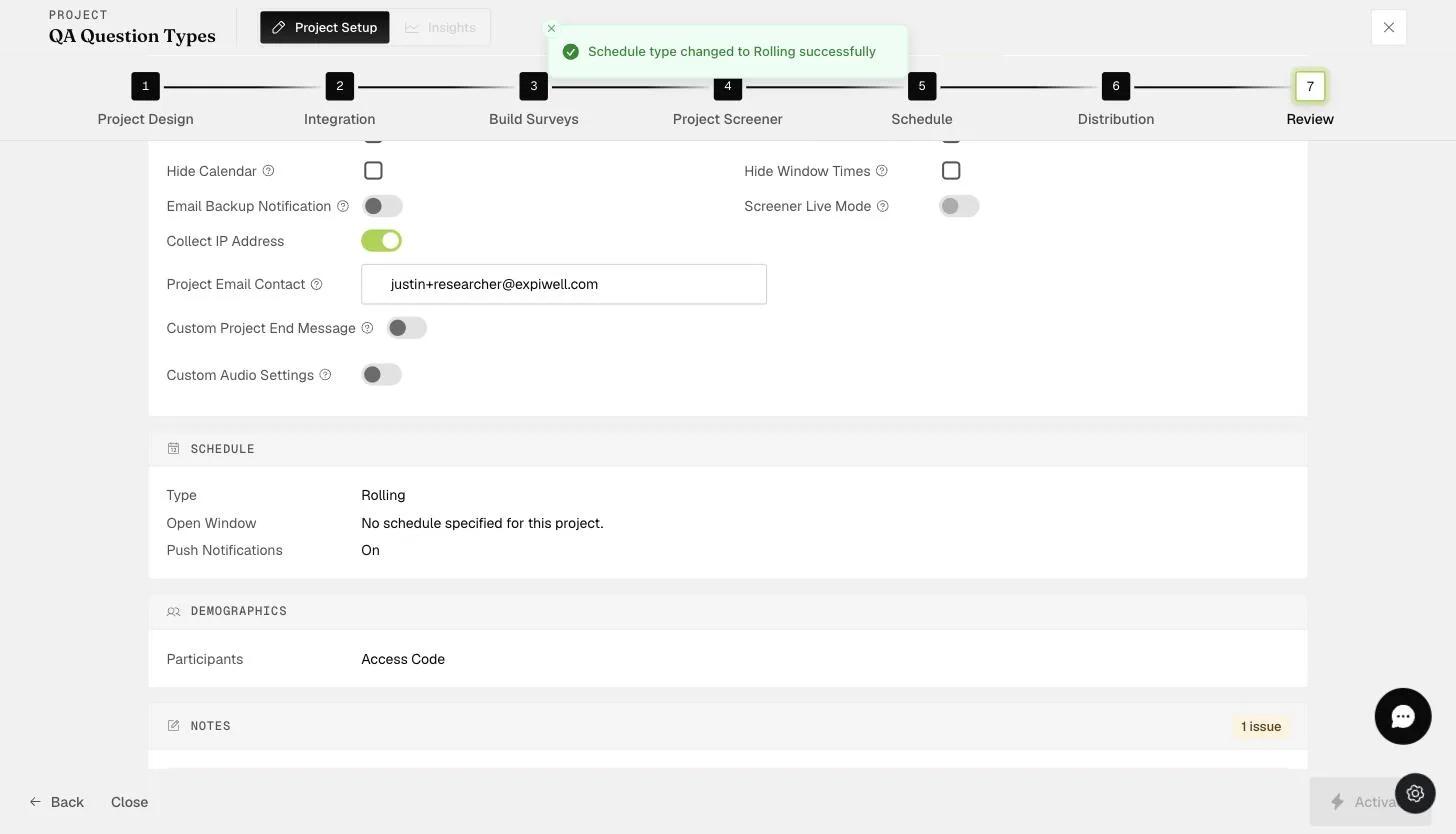
You can change the default email contact on the "Review" page of the project on any plan. This allows the research administrator or coordinator within the project team to receive any queries from participants directly.

The Review step Project Email Contact field where the notification contact email is set
Video demo — Changing Project Email Contact (coming soon)
Was this helpful?
Start today

Parlez à un humain de l’équipe ExpiWell.

Toujours bloqué ? Notre équipe de chercheurs répond aussi bien aux questions techniques qu’aux questions de design d’étude.