En construction

Vous nous avez échantillonnés en plein chantier.

Ces guides portent sur la nouvelle plateforme ExpiWell (v2) et sont encore en cours d’écriture, de relecture et de réorganisation — pardonnez les échafaudages : les pages peuvent bouger ou changer d’une visite à l’autre. Toujours sur l’ancienne app ? Sa documentation reste sur l’ancien portail d’assistance.

Ouvrir l’ancien portail d’assistance
Base de connaissances  /  Par l’équipe ExpiWell

Comment pouvons-nous vous aider ?

Des guides pour chaque étape de votre étude — du premier projet à l’export final des données. La base de connaissances ExpiWell pour la plateforme web chercheur et l’app mobile participant.

101 guides dans 29 catégories · Mis à jour par l’équipe ExpiWell
Help CenterBuildNotifications

Time zone update

Build · Notifications
Updated 6 octobre 2026

How to Sync Notifications for Time Zone Update

Participants traveling to a location in a different time zone can update their time zone to sync their notifications. If you have a survey to complete at 9 am, and you are on the East Coast (New York), and you travel to the West Coast (California), your time zone will be -3 hours, resulting in your survey arriving at 6 am. Updating your time zone will fix the time, and you will receive the notification at the original time (9 am).

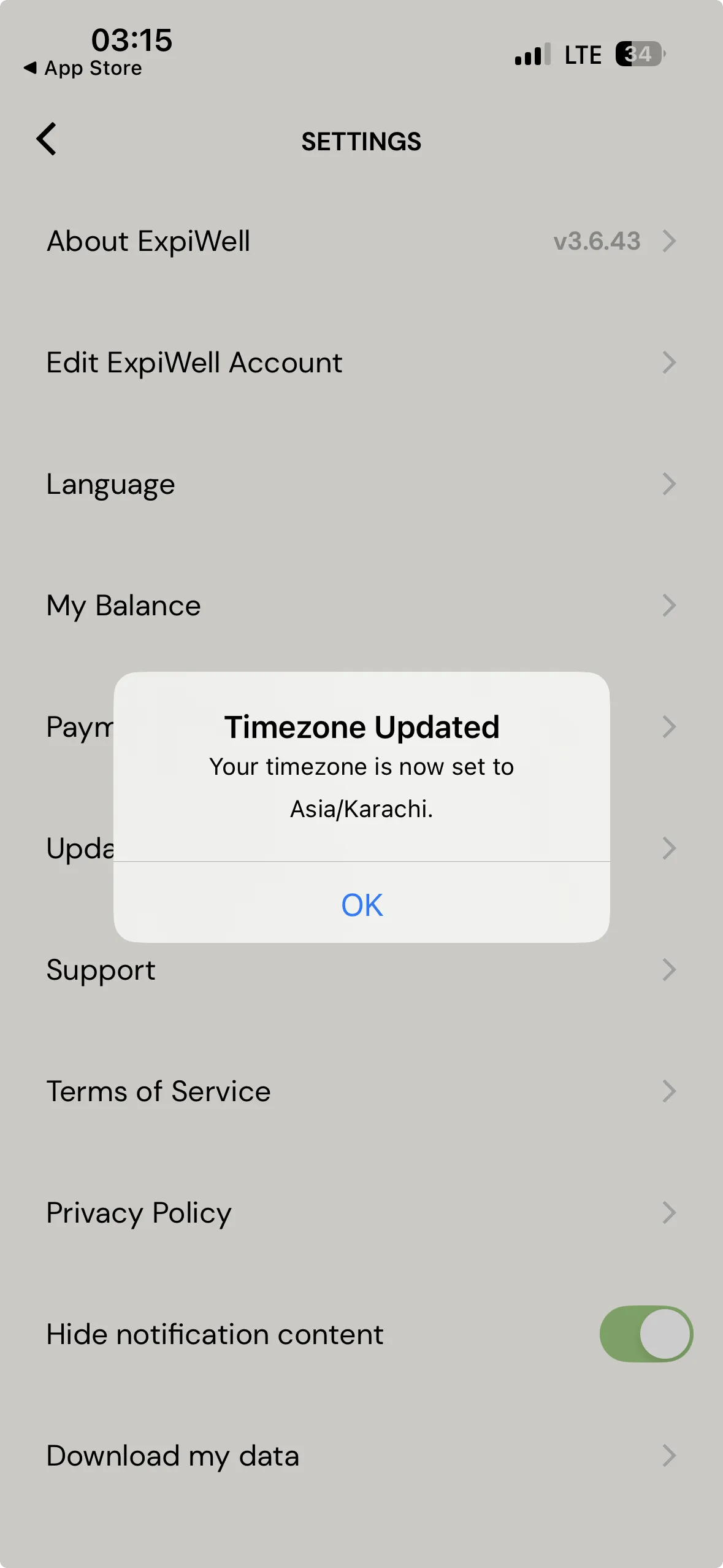
In the ExpiWell mobile app, open Settings and tap Update Timezone. The app confirms with Timezone Updated — "Your timezone is now set to…" and names the zone it has picked up, after which the schedule returns to its original times.
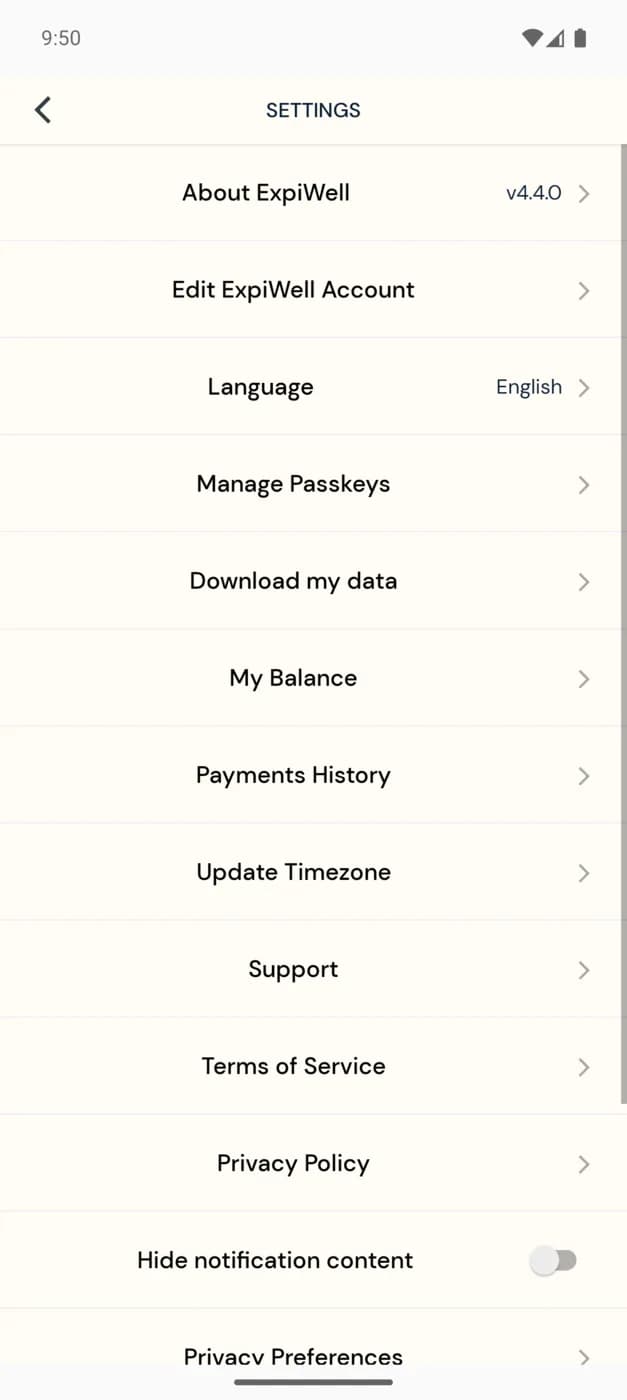
The ExpiWell mobile app Settings screen listing About ExpiWell, Edit ExpiWell Account, Language, My Balance, Payments History and an Update Timezone option, above Support, Terms of Service and Privacy Policy
The ExpiWell mobile app Settings screen with a dialog over it headed Timezone Updated, reading that the participant's timezone is now set to Asia slash Karachi, with an OK button

The zone is named in full, so a participant can see at a glance whether the app picked up where they actually are.

Note

Usually you do not need this. The app notices a time zone change on its own when it is reopened and says so — see Automatic time zone updates. Update Timezone is the manual fallback for when notifications still look wrong after traveling.

If you have any questions, please reach out to help@expiwell.com

Was this helpful?
Start today

Parlez à un humain de l’équipe ExpiWell.

Toujours bloqué ? Notre équipe de chercheurs répond aussi bien aux questions techniques qu’aux questions de design d’étude.