Feedback for screened-out participants
What Screened-Out Participants See
Anyone your Project Screener turns away gets a message and nothing else — no study, no explanation beyond what you write. It is the only thing they will ever see of your project, so it is worth writing rather than leaving at the default.
Writing the Message
The message lives on the Project Screener step, which only has anything on it once a screener survey exists in Build Surveys.
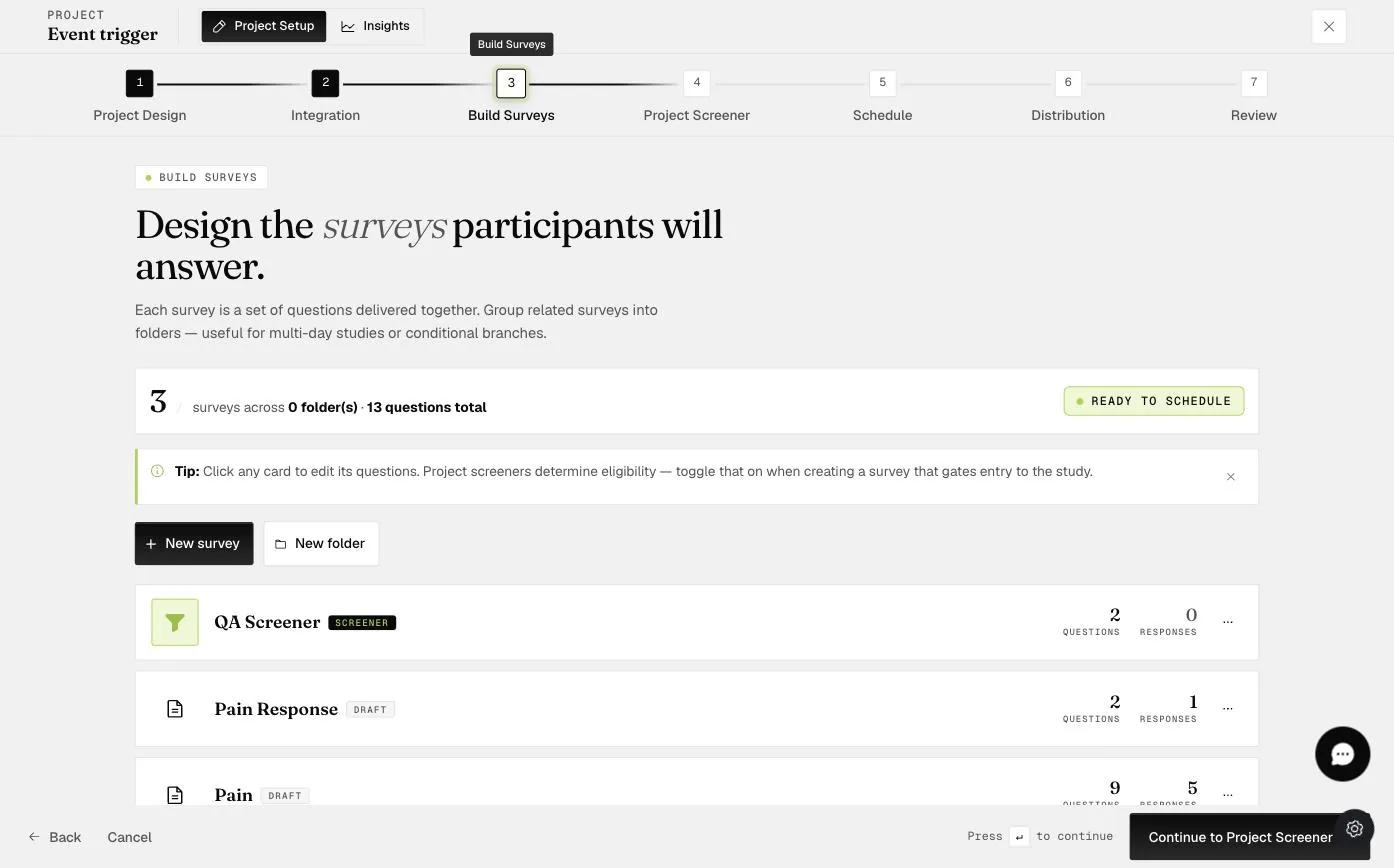
Open that step and the Disqualification message is the first thing on it, already filled with a default you can type over.
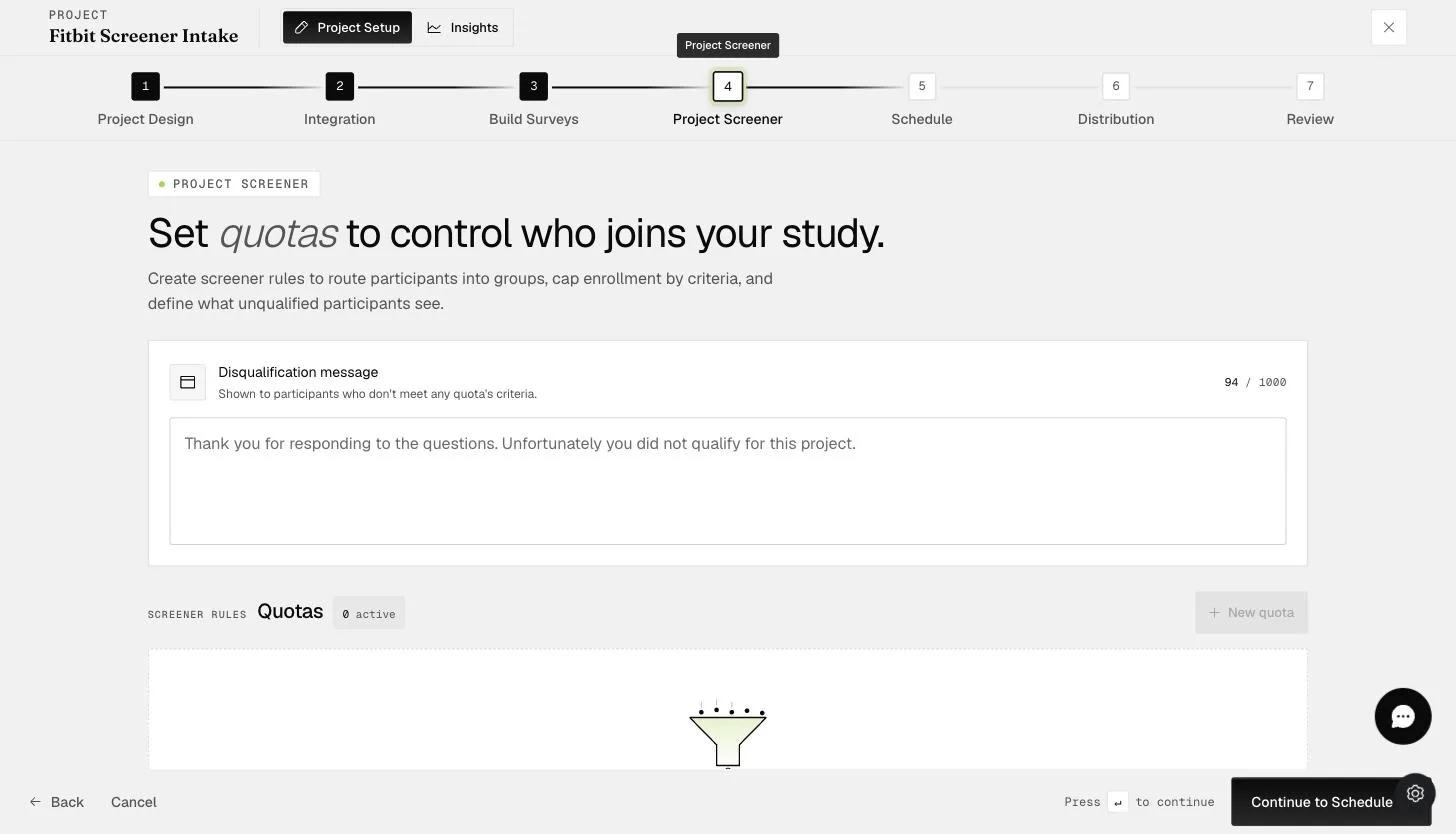
The default reads "Thank you for responding to the questions. Unfortunately you did not qualify for this project." It is accurate but tells the participant nothing, so it is worth replacing with something that fits your study — whether they might qualify for a later round, say, or who to contact if they think the result is wrong.
The same message is shown to everyone who is turned away, including people who passed every question but arrived after a quota filled up. Wording that assumes the participant answered something wrong will be wrong for them.