Receiving payments
If your study offers compensation, what you earn collects in the ExpiWell app under My Balance. You don't need to give any bank details. Once your balance reaches $5.00, you can redeem it as an Amazon gift card, and ExpiWell emails you the claim code.
Checking your balance
Open the menu → Settings → My Balance. The screen shows your total in USD. Your balance goes up after your research team approves a payment, not the moment you finish a survey. Pull down on the screen to refresh it.
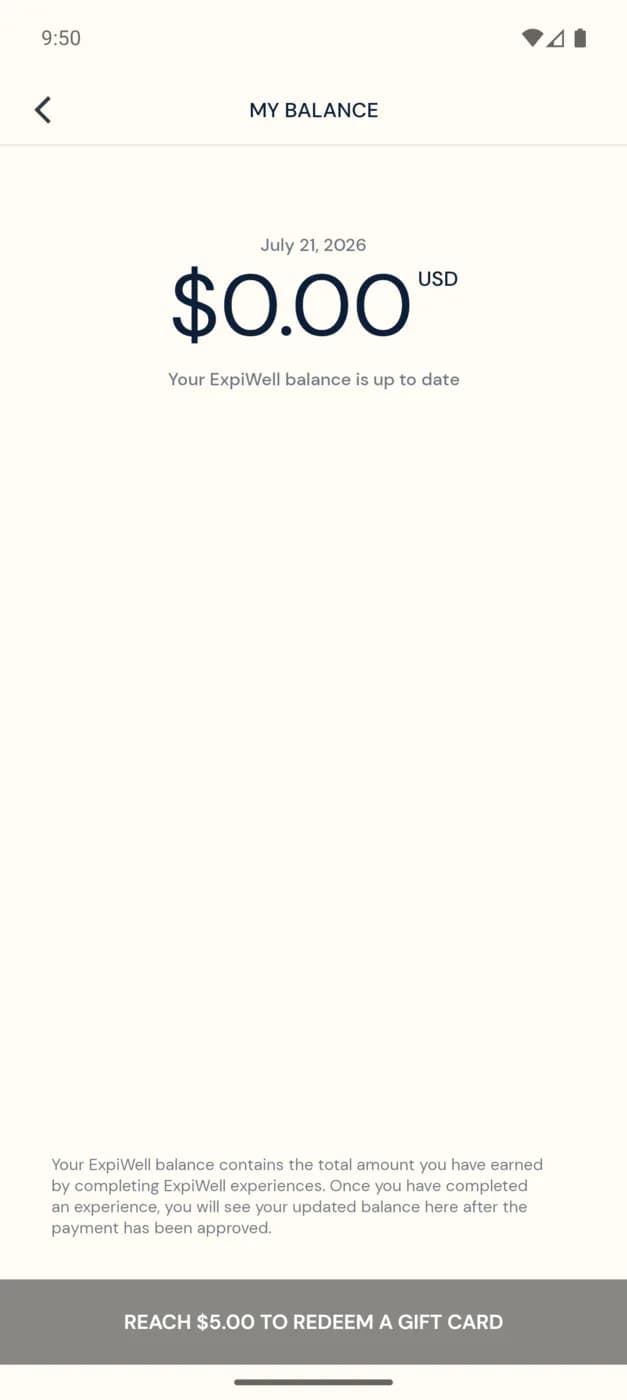
Below $5.00 the button reads Reach $5.00 to redeem a gift card and can't be tapped. Keep taking part, and your balance builds up until you reach it.
Redeeming a gift card
- On My Balance, tap Redeem Gift Card.
- Check the email address. The app fills in the one on your ExpiWell account, and you can change it. Tap Submit.
- If ExpiWell hasn't verified that address before, it emails you a one-time code. Enter it and tap Verify. You skip this step if you signed up with that email and a one-time code, or if you've redeemed to it before.
- You'll see Successful Redemption. Your whole balance becomes one Amazon gift card.
- Within a few minutes, the claim code arrives at the same email address. Redeem it in your Amazon.com account.
Check your Spam or Junk folder. Automated emails sometimes land there. On Android, if the app says Redemption In Progress, your redemption went through but the app couldn't confirm it. Check your balance again shortly. If nothing arrives within 15 minutes, email help@expiwell.com.
Payments History
Open the menu → Settings → Payments History. It lists each payment you've received and each gift card you've redeemed.
How payments work
- Your research team decides how much each response or study is worth, and when payments are released. See Participant payment arrangement.
- A payment may be approved after each survey, at a milestone, or at the end of the study.
Troubleshooting
- Balance looks low or empty? Payments show up only after they're approved, and some studies pay at the end. Check Payments History to see what has arrived.
- Expected a payment that isn't there? Your research team sets the amount and timing. Contact them from the app. See Contacting the researchers.