Manage your profile & language
Set up · Account Settings
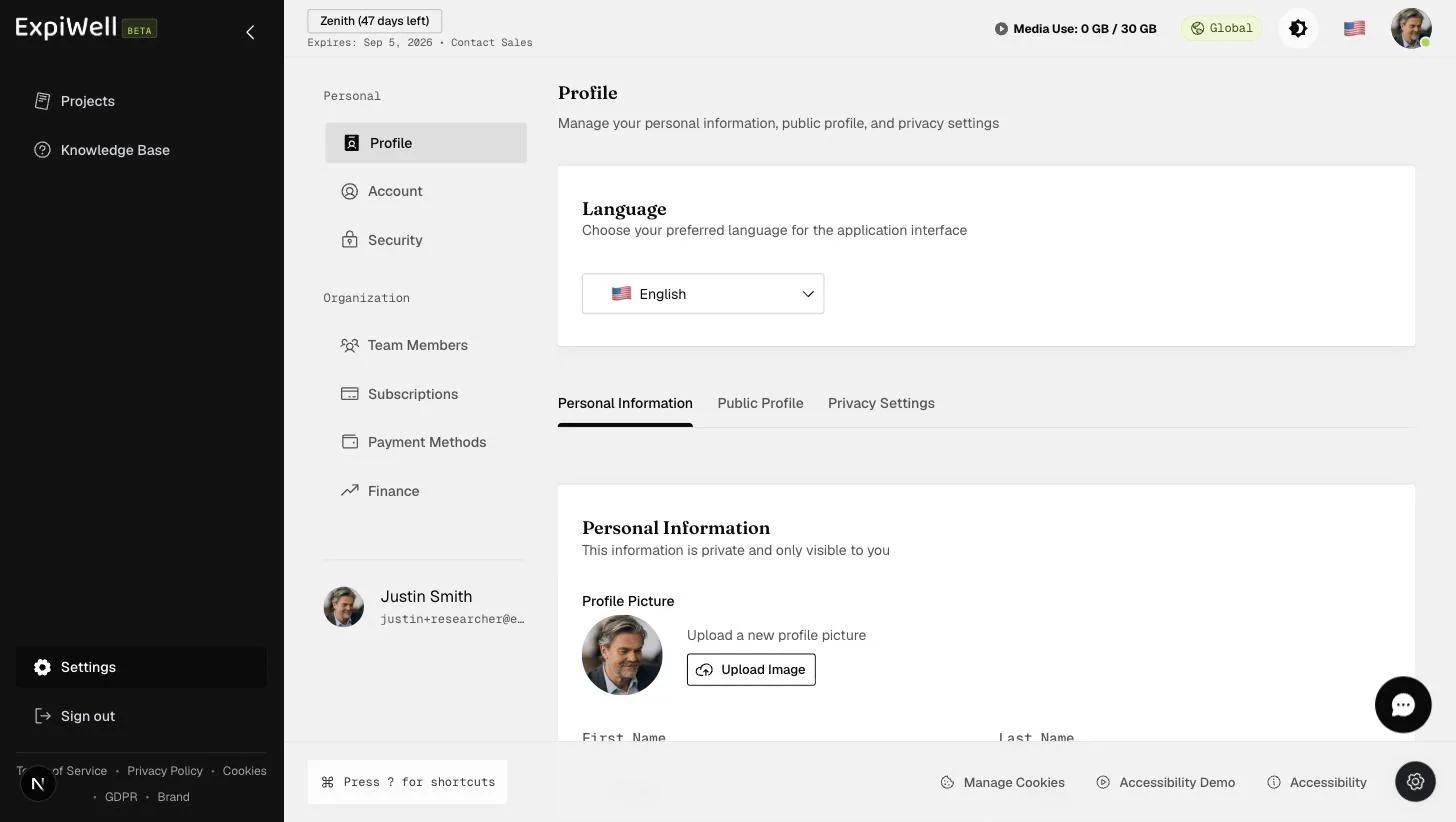
Updated 7 de septiembre de 2026Your profile lives at Settings → Profile (under Personal). It controls the language the application interface uses and what information about you is visible.
What you can manage
- Language — choose your preferred language for the application interface. Thirteen are available. You can change it from three places: the flag beside your avatar in the header, the settings drawer at the bottom right, and here. All three do the same thing.
- Personal Information — your private details, visible only to you, including your profile picture.
- Public Profile — a display name and picture kept separate from your personal details.
- Privacy Settings — whether other researchers can see your email, phone, and location, and whether they can message you.
The researcher directory isn't live yet
Public Profile and Privacy Settings both feed a community researcher directory that hasn't come across to the new platform yet, so nothing you set there is visible to anyone today. You can fill them in now and they'll be ready when the directory arrives.
Watch it in action
Related
Was this helpful?