Experience options
The app has two menus called Experience Options, and both open from a ⋮ (three-dot) icon:
- On a study's card on your home screen: see the study's details, email the research team, or remove the study.
- On a survey inside a study: see your progress, your previous responses and your charts, and change a survey's timing if your research team allows it.
Study options
On the Current tab, tap the ⋮ icon on the right of a study's card.
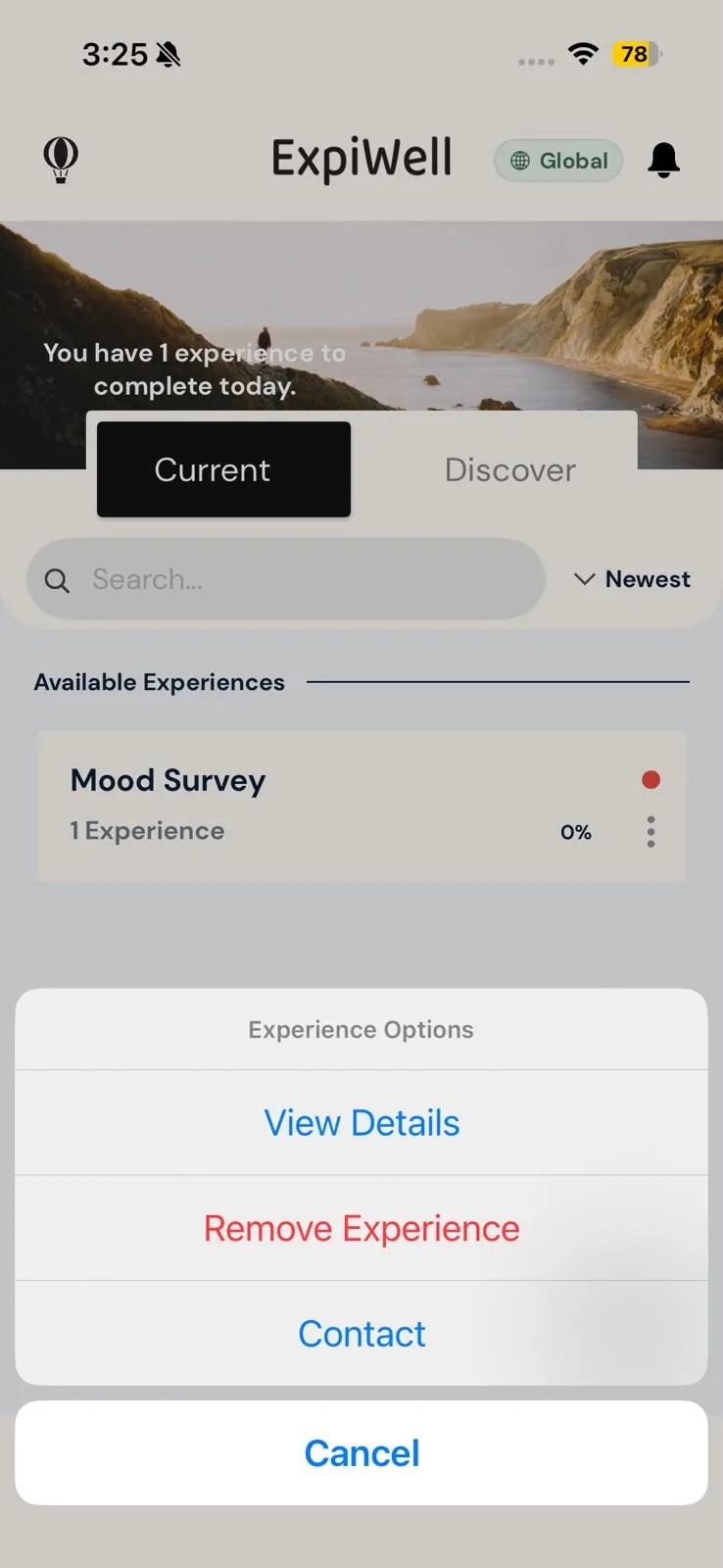
Most options are the same on iPhone and Android. Contact is labeled Contact Researcher on Android, and Android adds Download Experience for studies you take offline.
- View Details: expands the study's card to show its description, its schedule type (Static Schedule, Rolling Schedule or Calendar Schedule) and how long it takes, if the research team set that. While the card is expanded, the option reads Hide Details.
- Contact Researcher (on iPhone: Contact): opens a new email to the research team. See Contacting the researchers.
- Download Experience (Android only): appears for studies you chose to take offline. It downloads the study's surveys and their media to your phone so you can take them without a connection. Choosing to take a study offline doesn't download it on its own, so do this while you're still connected. Only studies that are still available can be downloaded.
- Remove Experience: takes the study off your app. See the next section.
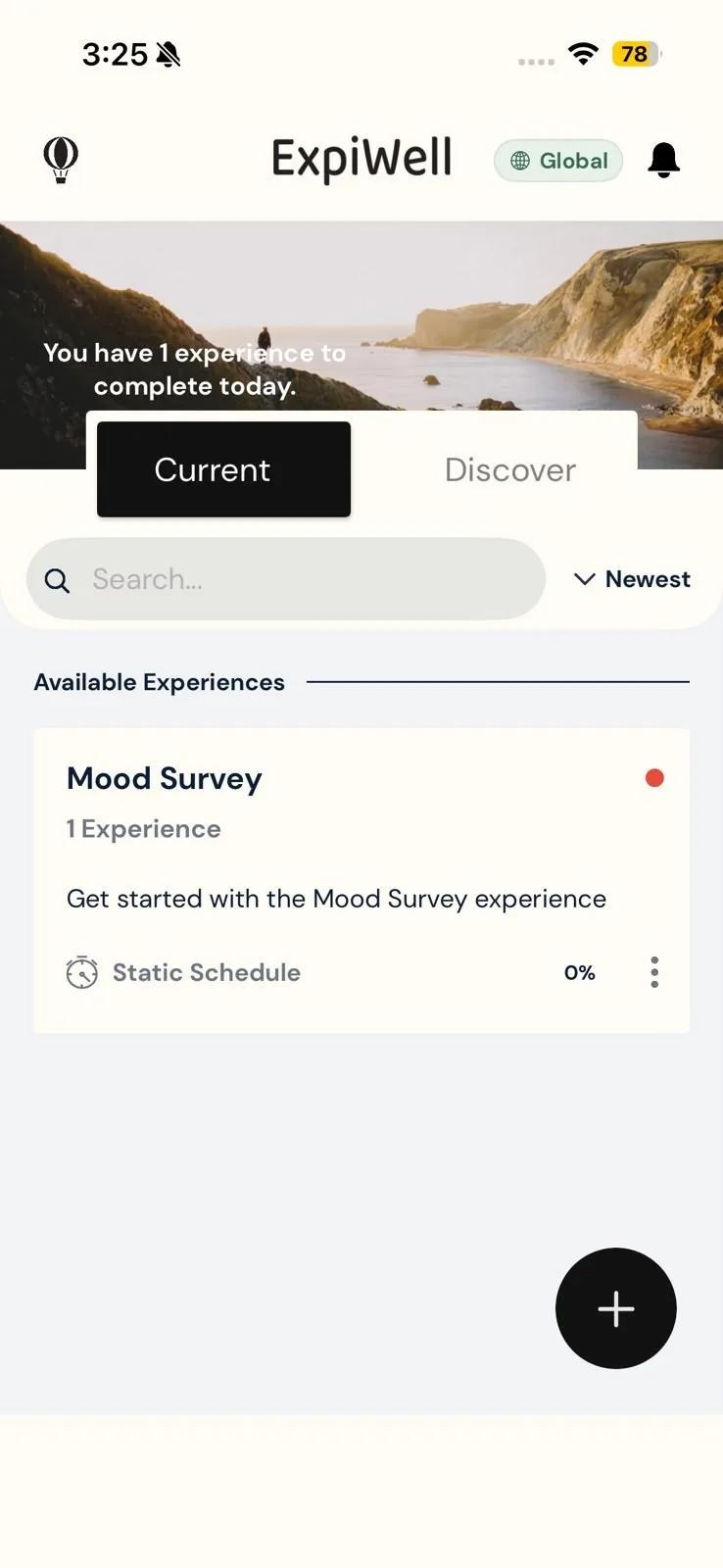
To open the study itself, tap the card instead of the ⋮ icon. See Project overview.
Removing a study
- Tap the ⋮ icon on the study's card, then Remove Experience.
- The app asks Are You Sure You Want To Remove This Experience? Tap Yes.
- If some of your answers haven't uploaded yet, the app warns you that there are still pending submissions. Tap Keep Experience to stop, or Remove Experience to go ahead.
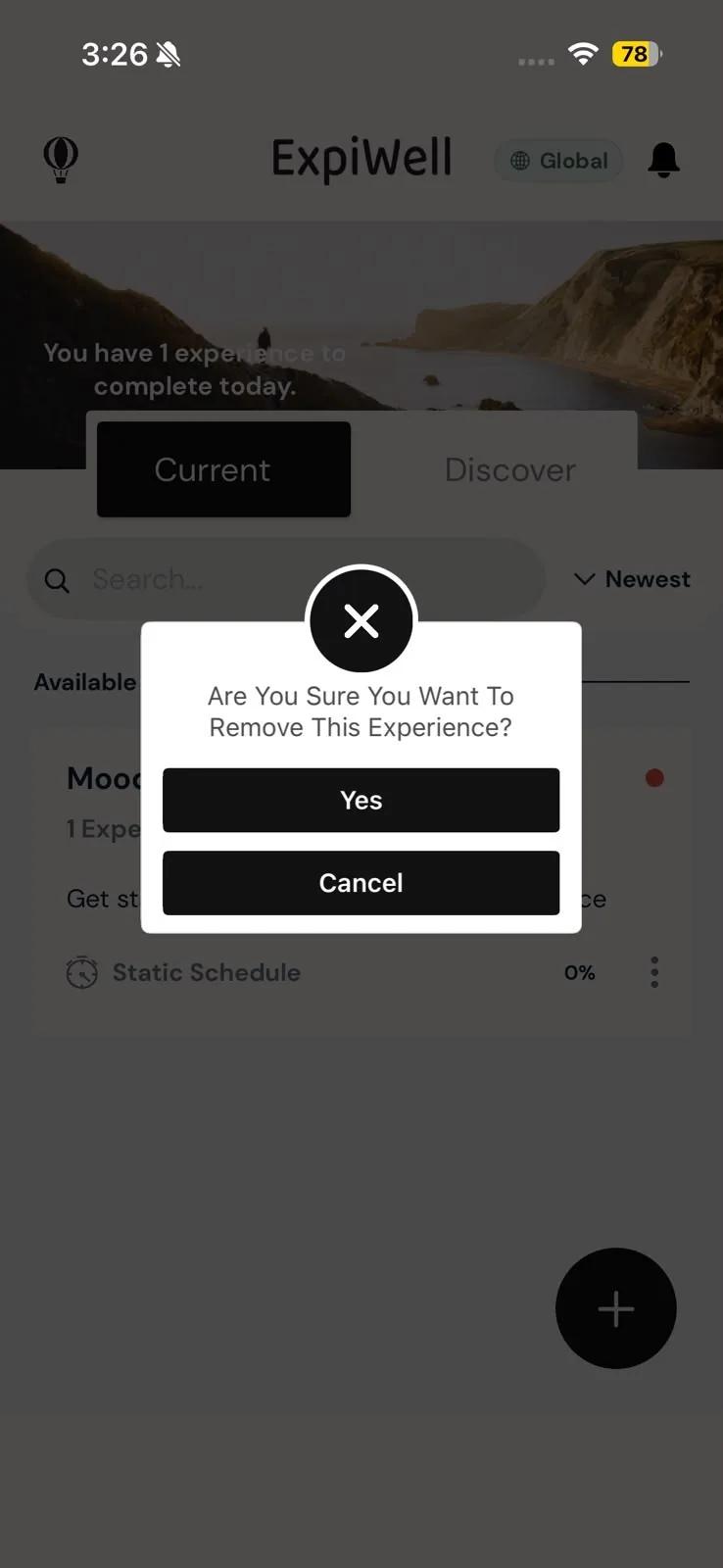
The study leaves your Current list and you stop receiving its surveys and reminders.
You need an internet connection to remove a study. On Android, if photos, audio or video you recorded for the study are still uploading, the app asks whether to remove it anyway.
Removing a study is how you stop taking part in it, so do it only if you mean to withdraw. If you're unsure, ask your research team first; see Contacting the researchers. If the app warns about pending submissions, tap Keep Experience, connect to the internet, and open the app so your answers can upload before you remove the study.
Survey options
Inside a study, each survey has its own options menu.
- On the Current tab, tap the study's card to open it.
- Tap the ⋮ icon on a survey's row.
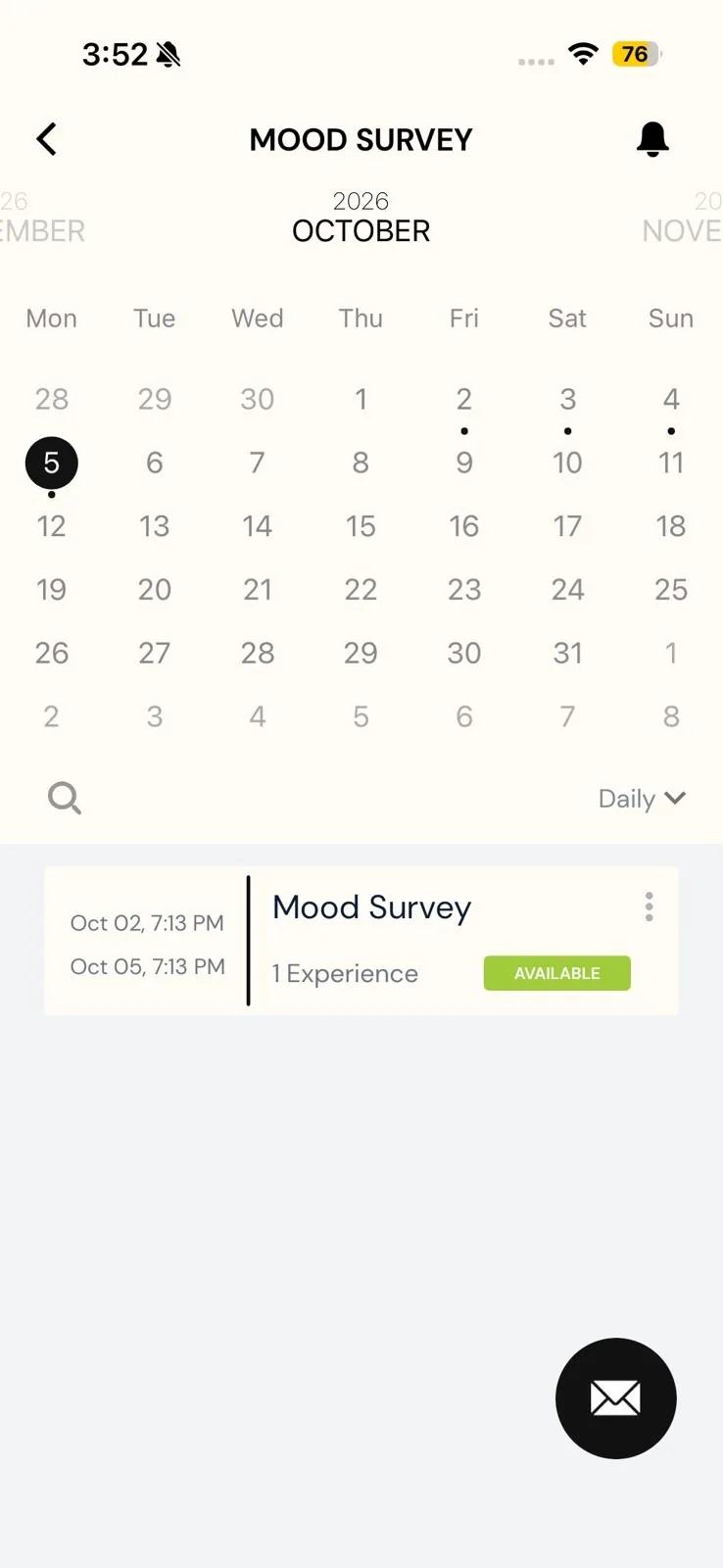
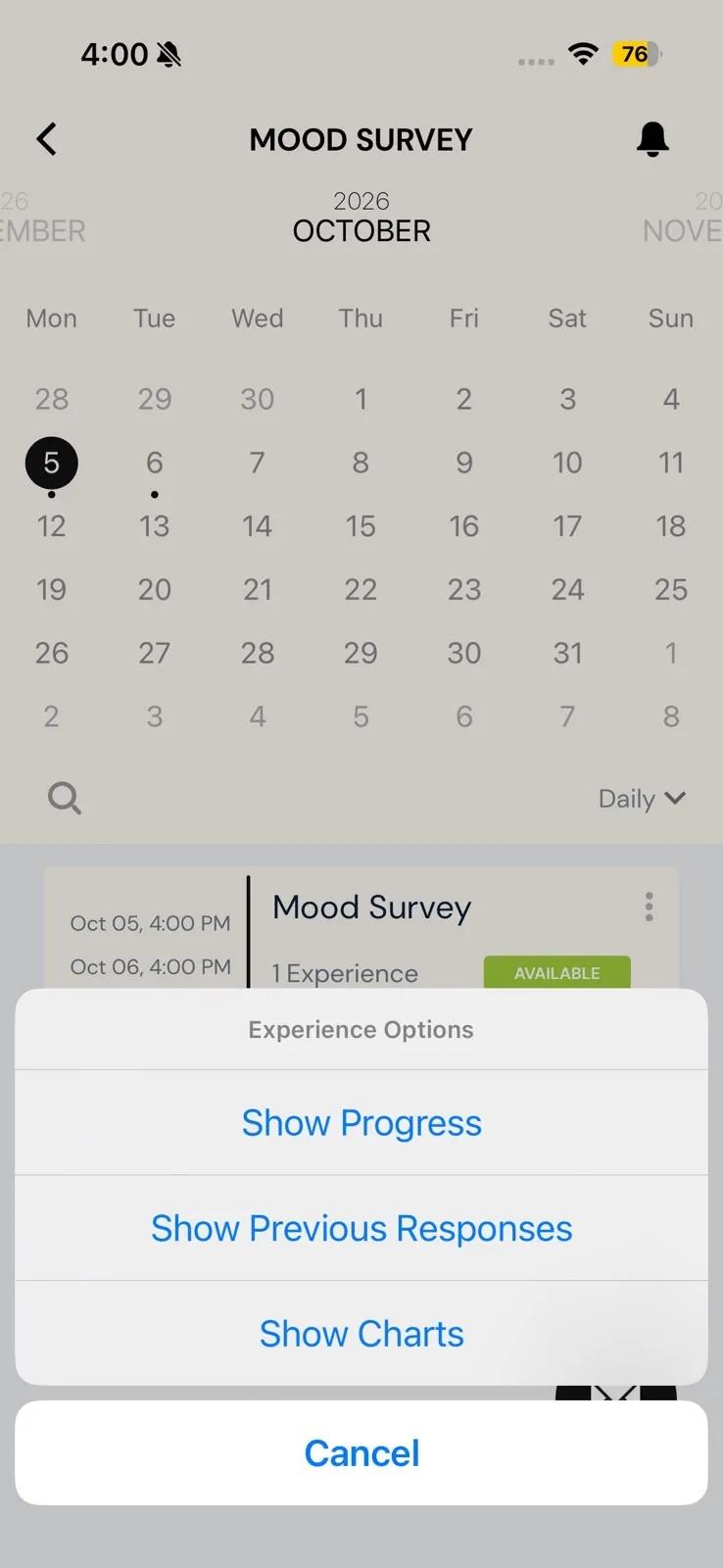
Which options you see depends on the study and on the survey:
- Show Progress: lists each time the survey was scheduled for you and whether you submitted it. Always available.
- Show Previous Responses: shows the answers you've already submitted, if the research team lets you see them.
- Show Charts: shows charts of your answers, if the survey has them. See Access mobile charts.
- Retake Timeslot, Adjust Time in Day, Move Day and Delete Timeslot: change when a survey happens, only if your research team allows it. Retake Timeslot appears for a survey you completed or missed; Adjust Time in Day and Move Day appear only for a survey that's still to come, not one you've submitted or missed. See Schedule personalization.
The timing options appear in full only in the Daily view. In the other views you'll see Adjust Time in Day at most, so switch to Daily to retake, move or delete a survey.
Related
- Opening a study, its calendar and its views → Project overview.
- Adding another study → How to add experiences.