Im Aufbau

Ihre Stichprobe hat uns mitten im Umbau erwischt.

Diese Anleitungen beschreiben die neue ExpiWell-Plattform (v2) und werden noch geschrieben, geprüft und umgebaut — entschuldigen Sie das Gerüst: Seiten können sich zwischen Besuchen verschieben oder ändern. Noch in der bisherigen App? Deren Dokumentation bleibt im alten Support-Portal.

Zum bisherigen Support-Portal
Wissensdatenbank  /  Vom ExpiWell-Team

Wie können wir helfen?

Anleitungen für jeden Schritt Ihrer Studie — vom ersten Projekt bis zum finalen Datenexport. Die ExpiWell-Wissensdatenbank für die Forschungsplattform im Web und die mobile Teilnehmer-App.

97 Anleitungen in 28 Kategorien · Gepflegt vom ExpiWell-Team
Help CenterLaunchProject Review

Changing project email contact

Launch · Project Review
Updated 29. Dezember 2023

How to Change Project Email Contact

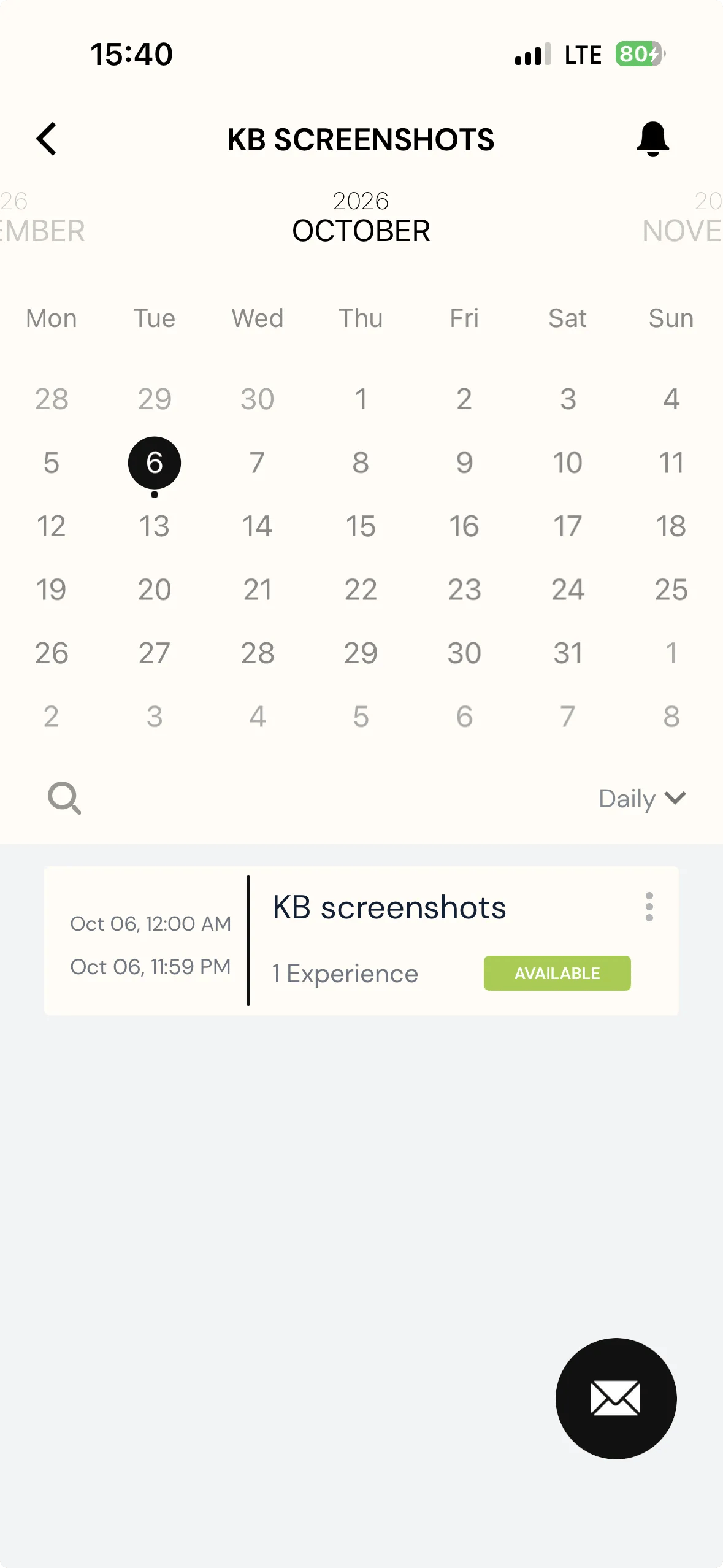
To enhance communication between participants and researchers, participants will be able to contact researchers directly when they view the project on their ExpiWell app.

Screenshot — a red arrow pointing to mail option

When clicking the email contact button, an email will be created that is based on the researcher's email account by default.

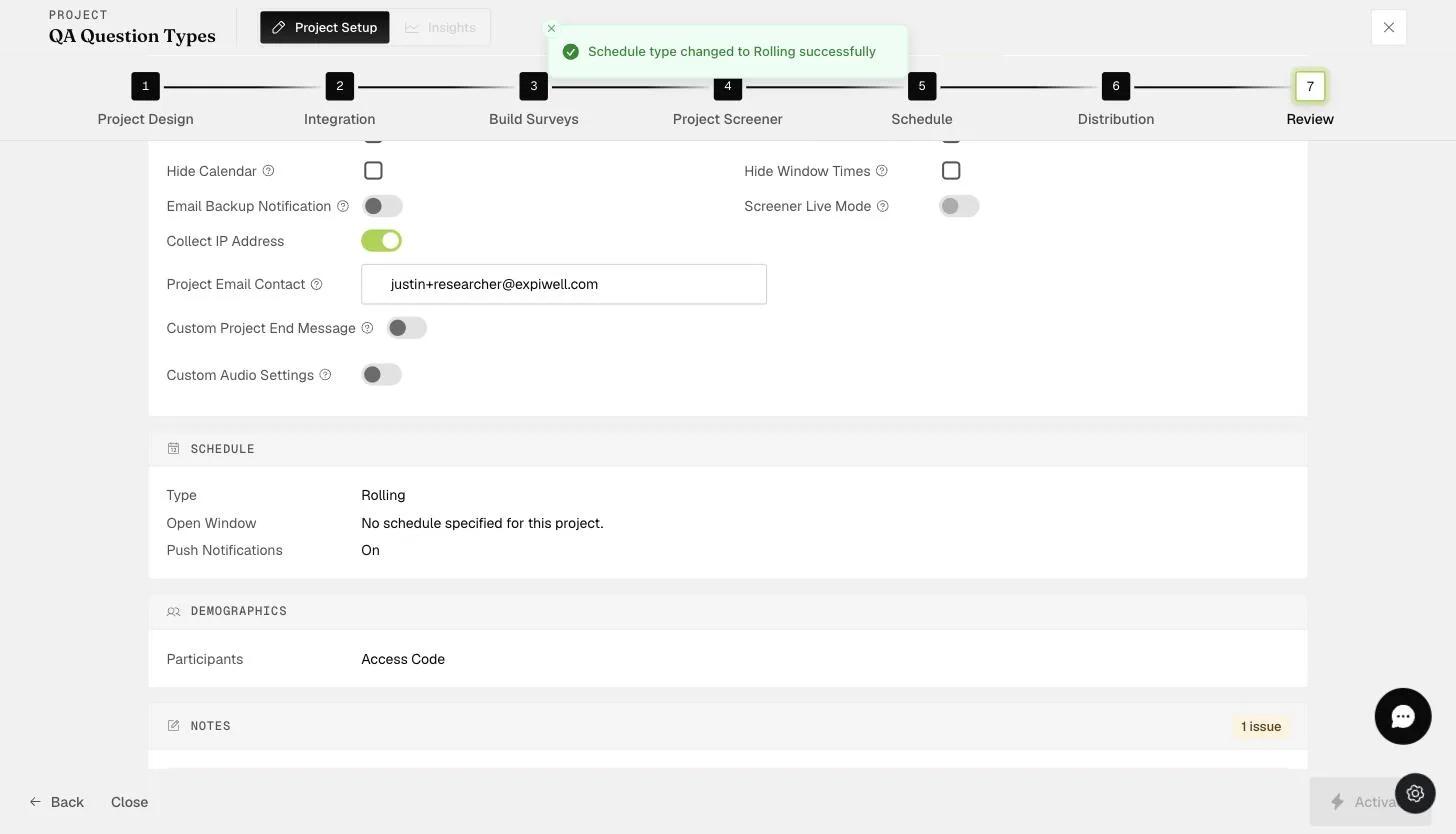
You can change the default email contact on the "Review" page of the project on any plan. This allows the research administrator or coordinator within the project team to receive any queries from participants directly.

The Review step Project Email Contact field where the notification contact email is set
Video demo — Changing Project Email Contact (coming soon)
Was this helpful?
Start today

Sprechen Sie mit einem Menschen aus dem ExpiWell-Team.

Kommen Sie nicht weiter? Unser Team aus Forschenden beantwortet technische Fragen ebenso wie Fragen zum Studiendesign.