Sharing dashboards
Sharing Your ExpiWell Dashboards
ExpiWell's Dashboards offer real-time insights, enabling you to visualize data as you collect it and identify emerging trends and patterns throughout your study. With the Providers feature, you can effortlessly share these insights with users without exposing raw data. Simply invite users as providers to grant them access to view the dashboards you've created in your account.
The following section outlines the steps to add a user as a provider and explains how the provider's dashboard will appear.
How to Add a Provider
- Go to the Insights area > ‘Providers’ tab and click ‘Add Provider’.
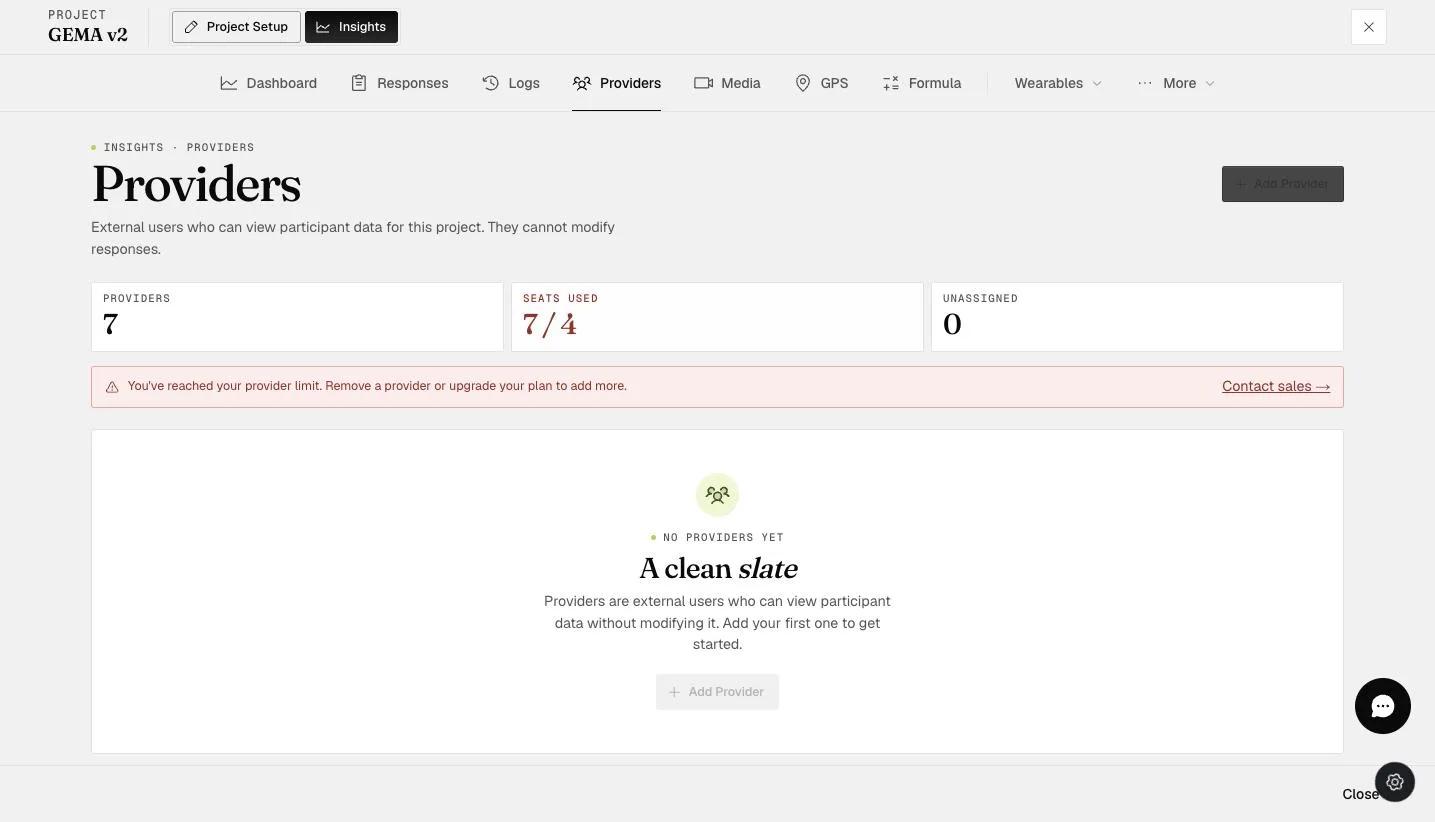
- A pop-up modal will appear. Input the provider's email address.
- Select the participant(s) whose dashboards you want to share with the provider, then click ‘Add Provider’ to proceed.
- The provider with the selected participant(s) will now appear in the providers list as shown below.
Note: Existing team members on your account cannot be added as providers for your account’s projects. An error message will be displayed as shown below.
Provider’s Dashboard
- Log in to the Provider’s account. Click ‘My Projects’ and a drop-down will allow you to select the Dashboard you’ve been assigned.
- The projects that you’ve been assigned as a provider will be displayed.
- You can view the dashboard charts generated by the administrator in each respective project.
For more information on including the Provider feature in your account, please get in touch with sales@expiwell.com.