En construcción

Nos has muestreado a medio construir.

Estas guías cubren la nueva plataforma ExpiWell (v2) y todavía se están escribiendo, revisando y reorganizando — disculpa el andamiaje: las páginas pueden moverse o cambiar entre visitas. ¿Sigues en la app anterior? Su documentación permanece en el portal de soporte antiguo.

Ir al portal de soporte anterior
Base de conocimiento  /  Del equipo de ExpiWell

¿En qué podemos ayudarle?

Guías para cada paso de su estudio: de su primer proyecto a la exportación final de datos. La base de conocimiento de ExpiWell para la plataforma web del investigador y la app móvil del participante.

97 guías en 28 categorías · Actualizadas por el equipo de ExpiWell
Help CenterBuildProject Creation

Duplicating projects & editing project name

Build · Project Creation
Updated 20 de julio de 2026

A Guide to Duplicating Existing Projects & Editing Project Name

Researchers may occasionally need to duplicate their existing projects for piloting purposes or to distribute them to different participant groups. ExpiWell makes this process simple by enabling researchers to swiftly duplicate projects, along with their associated surveys, schedules, and settings. Moreover, project names can be edited along the way as needed.

Duplicating a Project

To duplicate an existing project, go to the main projects dashboard, click the three-dot menu on the project card you would like to duplicate, and select 'Copy'.
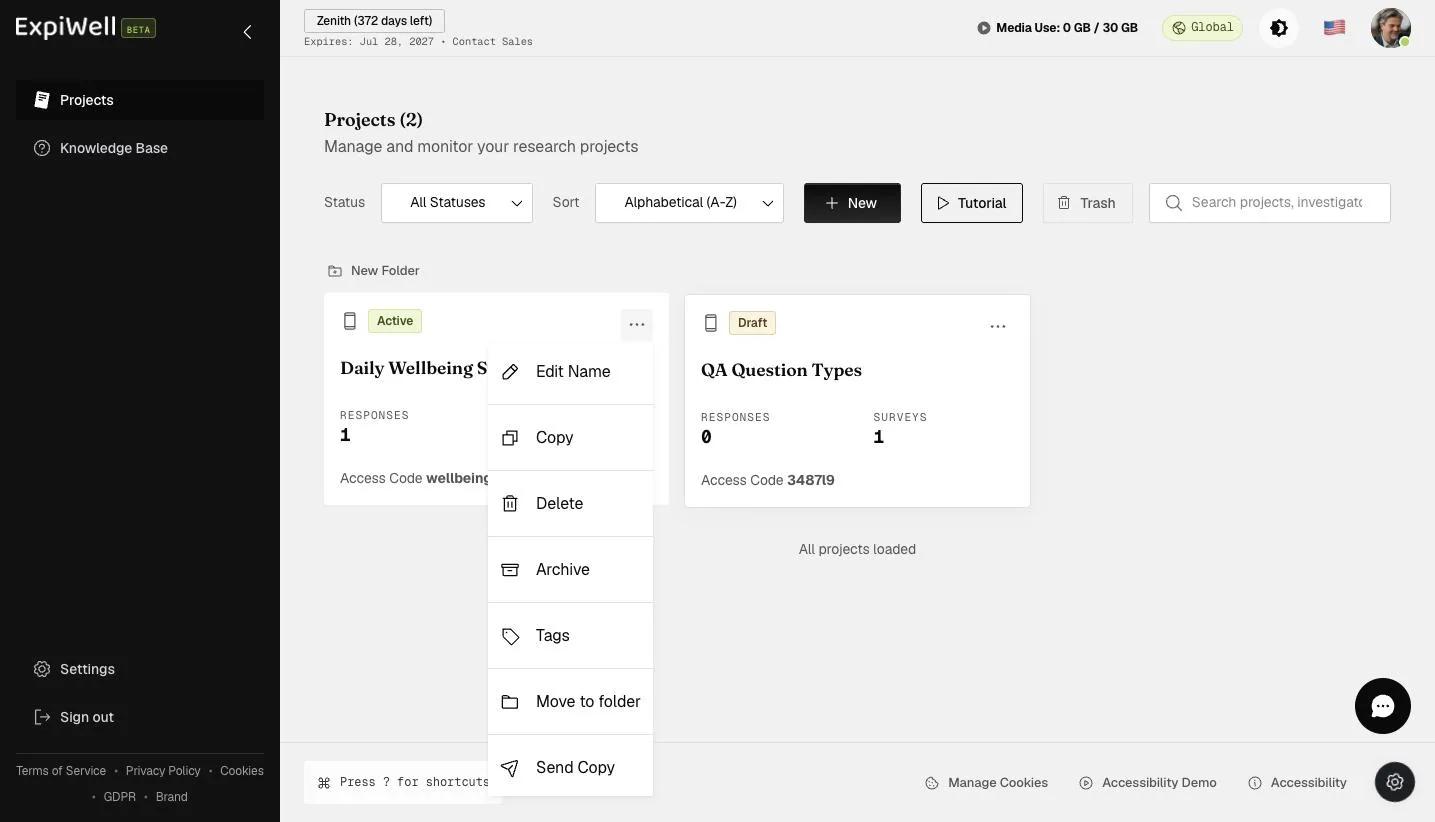
The project card three-dot menu with Edit Name, Copy, Delete, Archive, Tags, Move to folder, and Send Copy

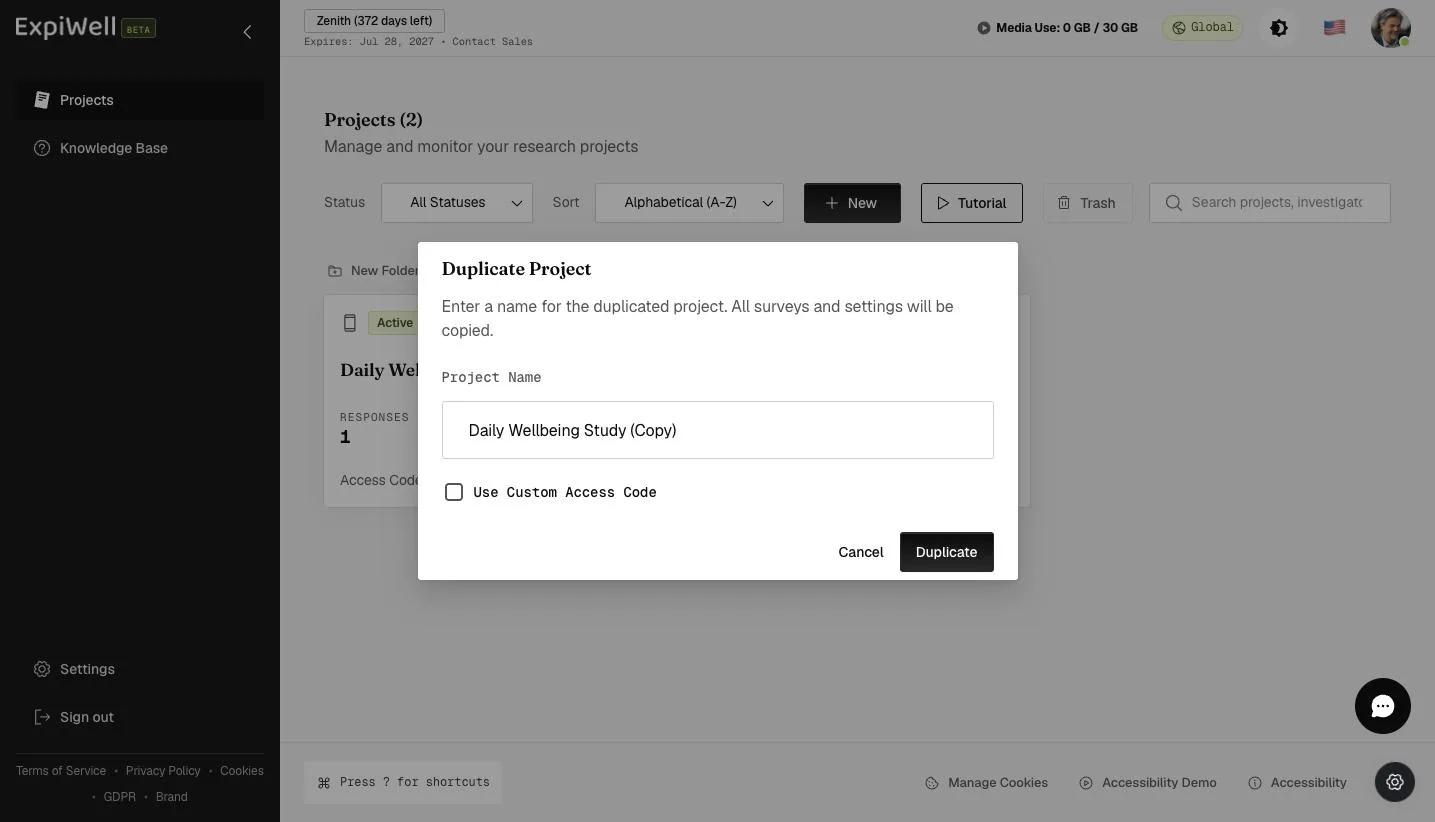
A popup will allow you to edit the name of the duplicated project.

The Duplicate Project dialog with a pre-filled project name and a Use Custom Access Code checkbox

Provide a name for your duplicated project and click 'Duplicate'.

Entering a name for the duplicated project before clicking Duplicate

Review the duplicated project setup and make the changes according to your research needs.
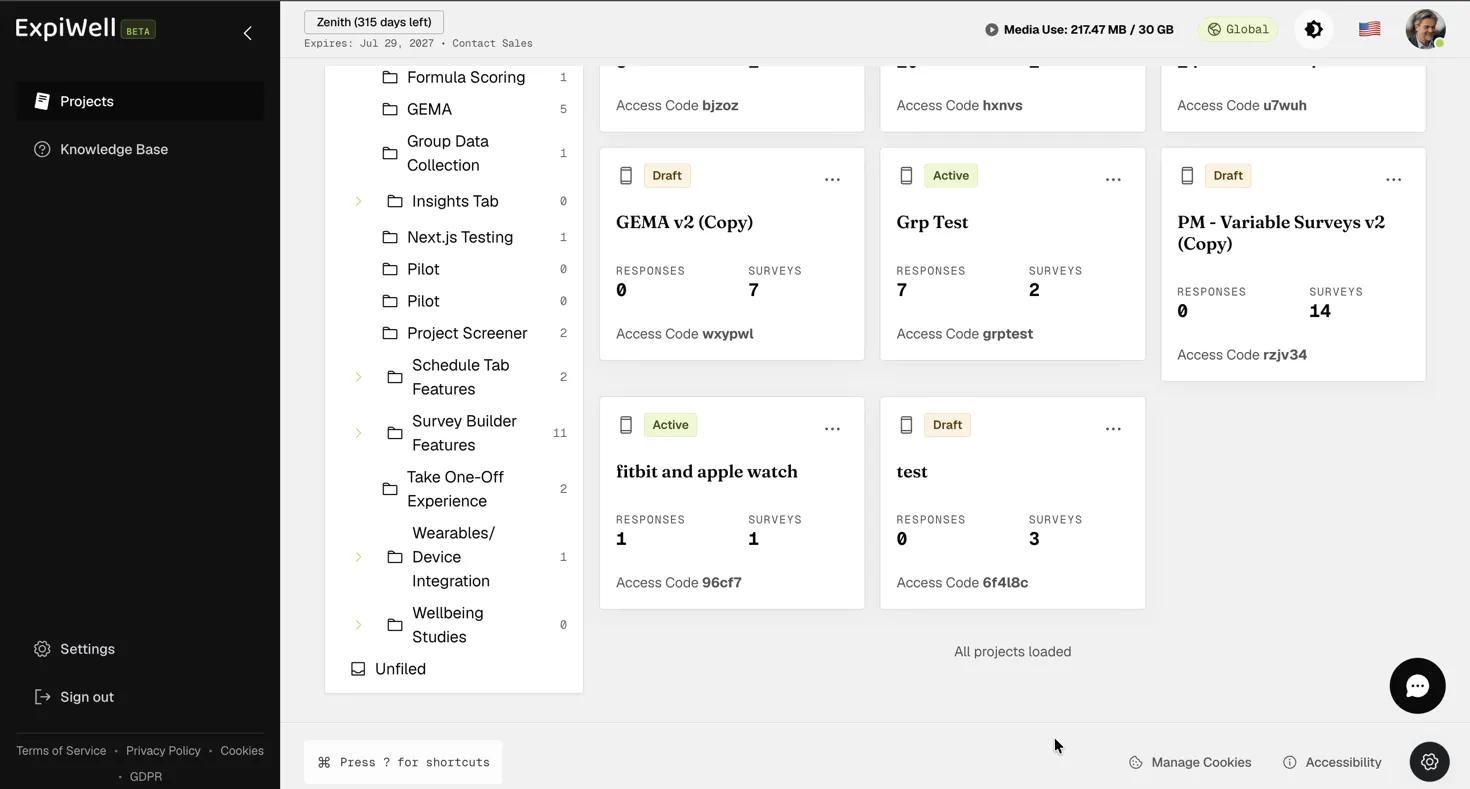
Screenshot — Reviewing the duplicated project setup

Editing Project Name

To edit an existing project name, go to the main projects dashboard, click the three-dot menu on the project card you would like to edit, and select 'Edit Name'.

The project card three-dot menu with the Edit Name option

A popup will appear, allowing you to edit the project's name as needed. Click 'Confirm' to update the project name on the main projects dashboard. Note that the project's access code will remain unchanged, even after the name is updated.
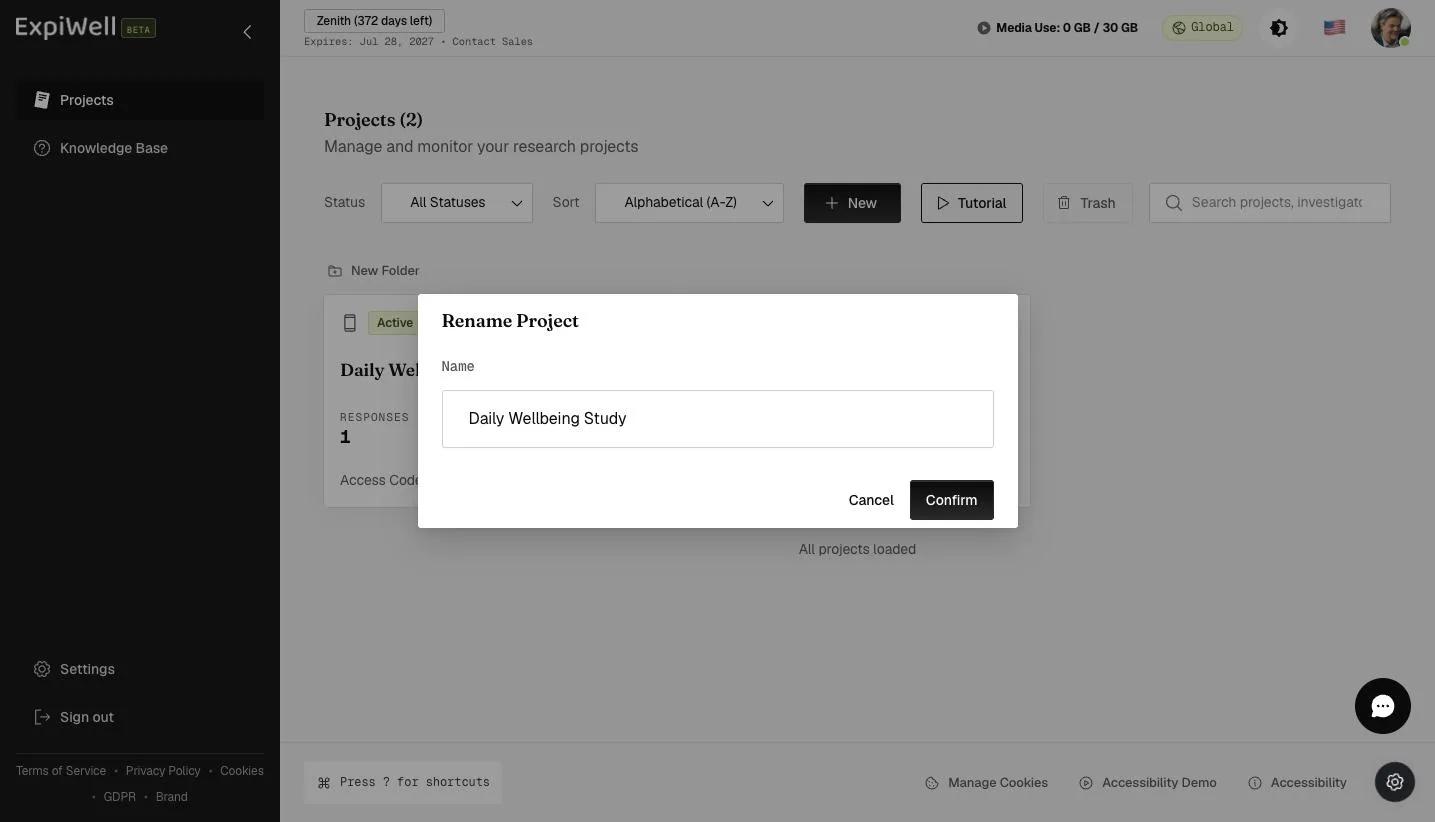
The Rename Project dialog with the project Name field and Confirm button
Video demo — Duplicating Existing Projects & Editing Project Name (coming soon)
Was this helpful?
Start today

Hable con una persona del equipo de ExpiWell.

¿Sigue atascado? Nuestro equipo de investigadores responde tanto dudas técnicas como de diseño del estudio.